 VapuAI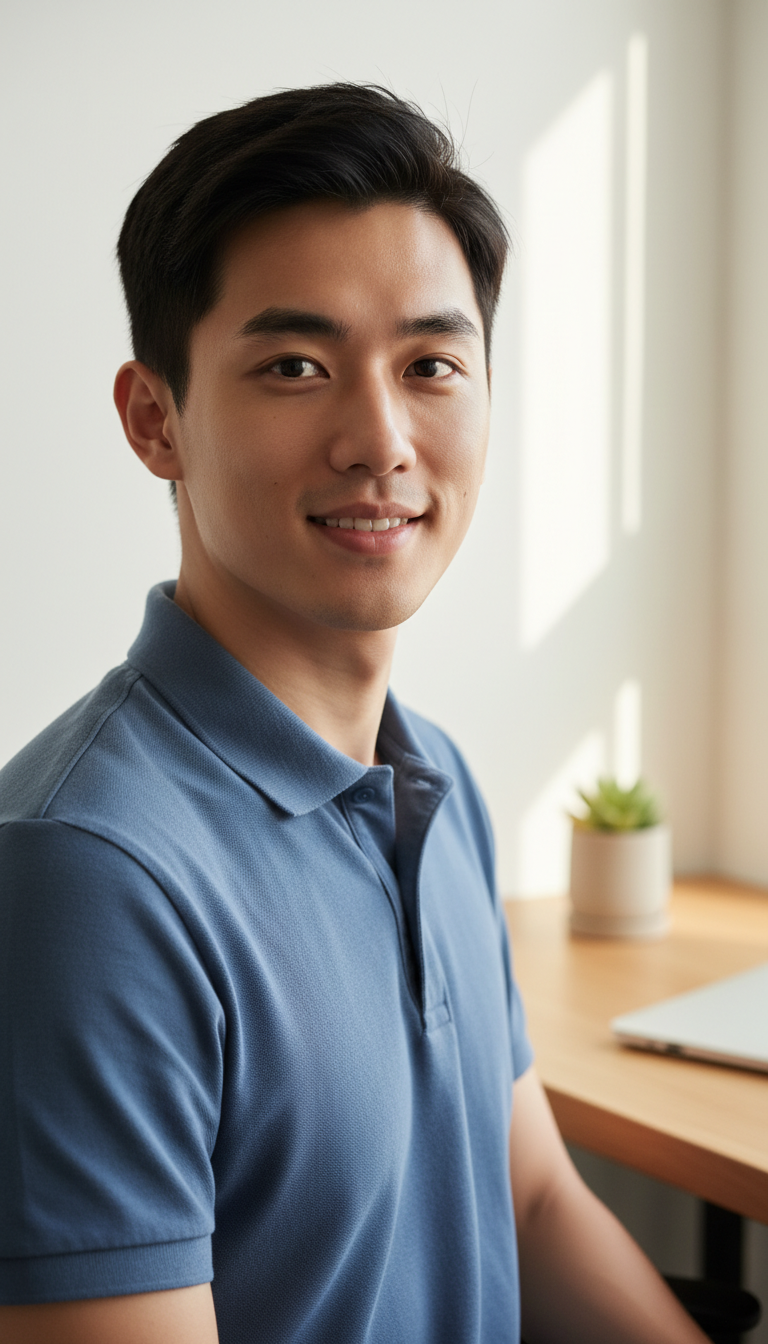
Remote Work Friendly Casual Professional Headshot
Modern remote-work headshot with home office background, casual professional attire, and minimal retouching for friendly relaxed professional presence.
How do you create an authentic, approachable WFH headshot without a professional studio photoshoot?
Master the casual professional look with realistic, softly blurred home office backdrops
The Remote Work Friendly Casual Professional Headshot template is a specialized AI-generation tool designed to create relaxed, highly authentic portraits set against a warm, modern home office background. With this template, you can produce a photorealistic image of yourself wearing casual business attire, perfectly styled for the remote-first era. By skipping artificial studio backdrops, it leverages a softly blurred f/2.2 bokeh background featuring subtle elements like a light wood desk, a small succulent, and natural window lighting. This ensures your digital presence looks warm, approachable, and genuinely professional without looking overly corporate or artificially airbrushed.
How to create it in VapuAI
- 1
Upload Reference Image
Provide a clear, front-facing photo of yourself to serve as the identity reference for the AI.
- 2
Select WFH Template
Choose the Remote Work Friendly Casual Professional Headshot template to load the curated f/2.2 bokeh home office background.
- 3
Describe Your Attire
Input a simple description of your desired casual clothing, such as a comfortable knit sweater or a casual blazer.
- 4
Generate and Save
Process the image to render the authentic natural window lighting, then download your high-resolution casual headshot.
Prompt & settings
Tips for best results
- •Use an identity reference photo with flat, neutral lighting so the AI can realistically map the soft window shadows from this template.
- •Keep your custom prompt adjustments simple; let the template's built-in low retouching instruction preserve your natural skin texture and pores.
- •Specify neutral or earth-toned clothing in your custom prompt to harmonize beautifully with the light wood desk and green succulent in the background.
- •Avoid uploading reference photos with heavy filters, extreme angles, or sunglasses to ensure the natural dual catchlights render correctly in your eyes.
Best for
- Remote-first executives and team members who want an authentic, warm LinkedIn profile photo that reflects their day-to-day WFH reality rather than a stuffy corporate studio.
- Freelance consultants and solopreneurs looking to project an accessible, trustworthy, and modern vibe on their personal portfolios and proposal decks.
- Agency marketing managers who need to generate cohesive, friendly team-page headshots for fully distributed teams while maintaining a consistent visual aesthetic.
- SaaS founders and tech leaders looking for a relaxed, modern headshot for speaking engagements, Slack profiles, and community platforms.
- Content creators and virtual assistants who need high-quality, approachable branding assets that immediately build trust and rapport with potential clients.
Frequently asked questions
Can I change the clothing color or style in this remote work headshot?
Yes, you can easily customize your attire by adding a short descriptor in the custom prompt area, like specifying a navy blue knit crewneck sweater or a casual white linen button-down.
What makes this template look more natural than standard studio AI portraits?
This template uses a low-retouching configuration that preserves your natural skin texture, freckles, and pores while setting you in a softly blurred, realistic home office background with authentic window lighting.
Is the background customizable, or is it always a home office?
The template is pre-configured with a tidy, modern home office containing a desk, succulent, and laptop to maintain a consistent WFH aesthetic, but you can append minor details in the prompt box.
Will my final image look overly airbrushed or fake?
No, this specific template is optimized with zero-smoothing instructions and dual catchlights to ensure an authentic, approachable, and highly photorealistic appearance.
More Templates in Professional Headshots
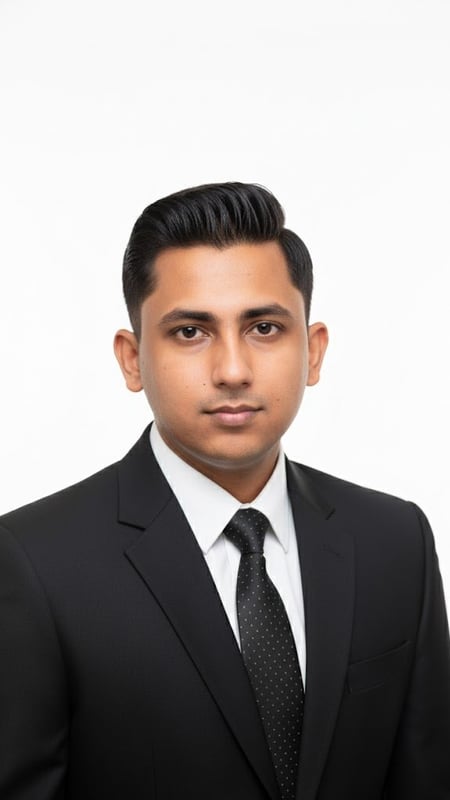
Professional Headshot | Formal Attire
Capture a clean, bright professional headshot in formal business attire. Ideal for LinkedIn, resumes, and corporate branding.
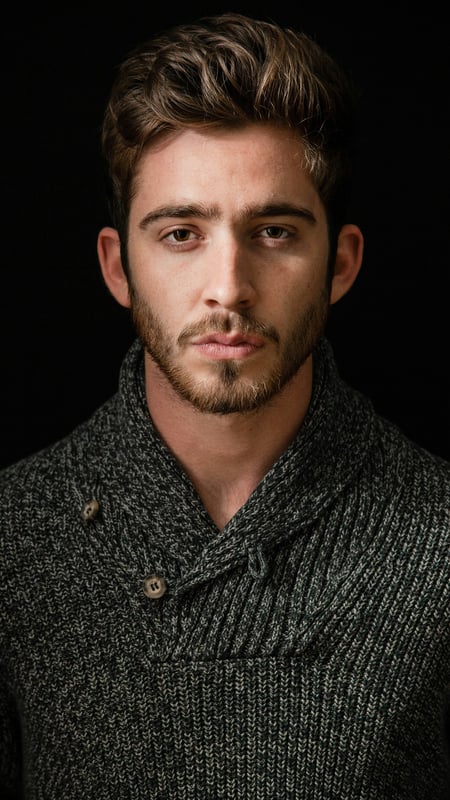
Dark Moody Headshot | Textured Knitwear
Create dramatic close-up portraits with deep contrast and rich knitwear textures. Perfect low-key AI photo template for editorial lighting.
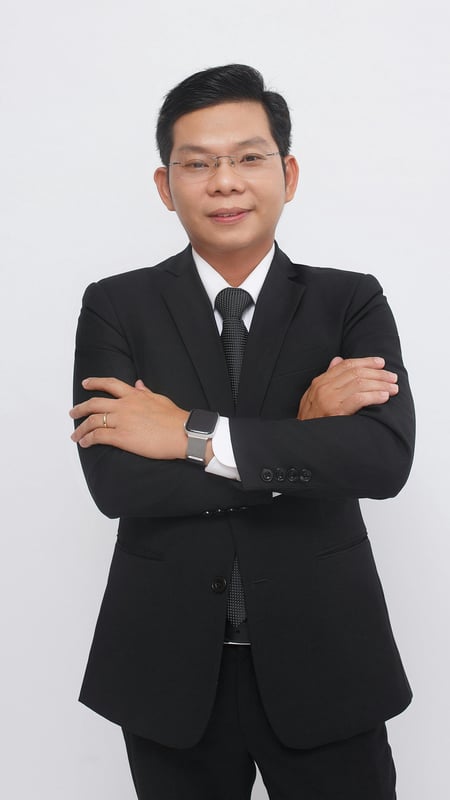
Professional Business Portrait | Crossed Arms
Capture a full-body business portrait with confident crossed arms and clean studio lighting. Ideal for executives, resumes, and corporate branding.