 VapuAI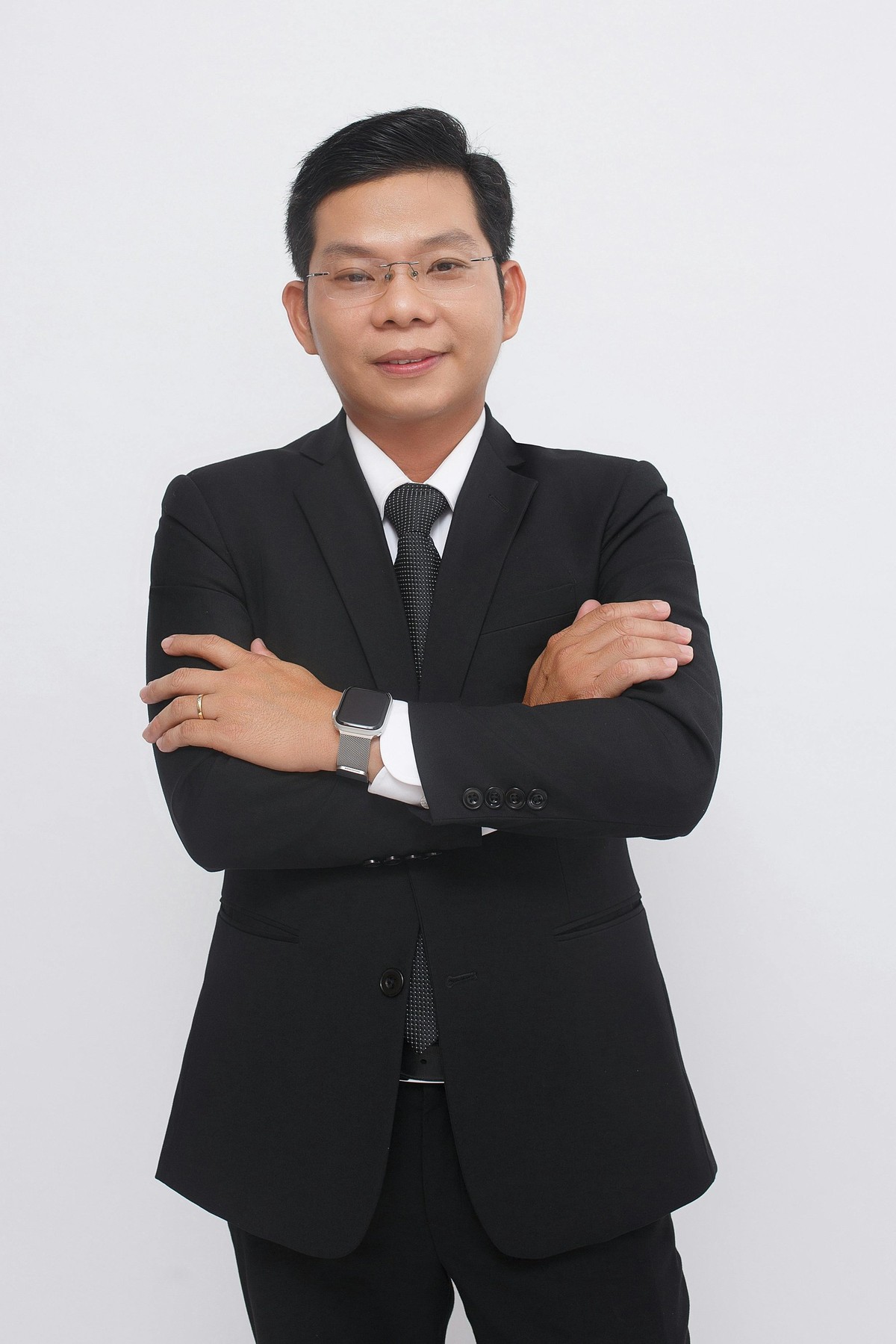
Professional Business Portrait | Crossed Arms
Capture a full-body business portrait with confident crossed arms and clean studio lighting. Ideal for executives, resumes, and corporate branding.
How to Generate Authoritative Business Portraits with Confident Posture
Crafting Executive-Level Presence Using Clean Studio Lighting
The Professional Business Portrait | Crossed Arms template is an AI-powered image generation workspace designed to produce authoritative, full-body corporate portraits featuring a confident crossed-arm pose against a pristine white studio background. Ideal for executives and industry leaders, this template ensures your subjects exude calm assurance and professional credibility through high-key lighting and formal business attire. By locking in this specific power posture, agencies and marketing teams can instantly generate polished, high-trust visuals that command attention on resumes, corporate websites, and leadership directories without the need for an expensive studio photoshoot.
How to create it in VapuAI
- 1
Upload Reference Image
Upload a clear, front-facing reference photo of your subject to capture accurate facial structure, grooming, and identity details.
- 2
Select the Template
Choose the Professional Business Portrait | Crossed Arms template to lock in the high-key studio lighting, pure white background, and signature power pose.
- 3
Customize Attire
Customize the prompt by specifying the exact formal business attire, such as a tailored navy suit or a crisp charcoal blazer, to match your brand guidelines.
- 4
Generate Portrait
Generate the image in VapuAI to automatically seamlessly blend the subject's likeness with the confident, arms-crossed body posture and subtle authoritative smile.
- 5
Download Final Image
Download the final campaign-ready portrait in high resolution for immediate deployment on executive directories, press kits, or speaker profiles.
Prompt & settings
Creative goal
A sharp, professional, full-body portrait of a confident individual in formal business attire, standing with arms crossed, against a clean white background. The subject exudes authority and calm assurance with a subtle smile.
Style anchors
Tips for best results
- •Select an input reference image with neutral or subtly smiling facial expressions to perfectly match the calm assurance intended for this arms-crossed posture.
- •When customizing the attire in your prompt, specify structured clothing like blazers or suit jackets, as they naturally enhance the broad-shouldered, commanding look of folded arms.
- •Leave the background prompt as a solid bright white studio setting to ensure the subject’s silhouette and confident stance remain the absolute focal point of the portrait.
- •Use the negative prompt feature to exclude casual accessories or messy hairstyles that might conflict with the executive-level polish this template is engineered to deliver.
Best for
- PR agencies need this template to quickly generate high-authority media kits and press releases featuring executives in a commanding, trust-building stance.
- Corporate web designers use this to build visually consistent leadership and About Us pages where every team member is unified by a clean white background and a confident posture.
- B2B marketing teams rely on these sharp, crossed-arm portraits for webinar promotional graphics and keynote speaker announcements to establish immediate credibility.
- Personal branding consultants leverage this generation tool to help individual clients upgrade their LinkedIn profiles and resumes with a photo that projects both approachability and executive presence.
- Sales enablement teams apply these polished headshots to digital business cards and CRM profiles to ensure client-facing staff look sharp and authoritative before the first meeting.
Frequently asked questions
Why is the crossed arms pose effective for business portraits?
A crossed arms stance naturally projects confidence, authority, and professional readiness. It is a classic power pose that helps executives and leaders appear secure and approachable while maintaining strong boundaries.
Can I change the white background to a different color?
While the template defaults to a clean, bright white background to emphasize the high-key studio lighting, you can modify the text prompt to request a different solid color backdrop to fit your corporate branding.
Will the AI preserve my subject's specific facial features?
Yes, VapuAI uses your uploaded reference photo to accurately map the subject's facial structure, hair color, and grooming. The platform then seamlessly integrates their identity with the generated professional attire and crossed-arm posture.
Does this template generate full-body or half-body images?
This specific template is optimized to frame the subject from the waist or mid-thigh up to comfortably showcase the full crossed-arm stance. It provides a wider crop than a standard close-up headshot.
More Templates in Professional Headshots
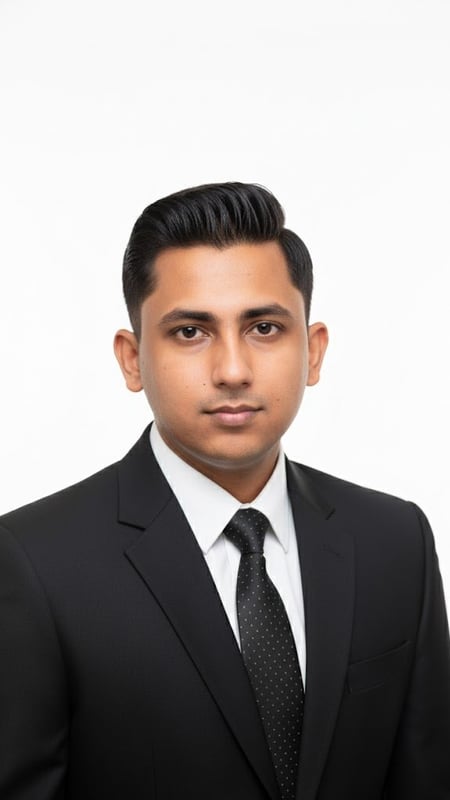
Professional Headshot | Formal Attire
Capture a clean, bright professional headshot in formal business attire. Ideal for LinkedIn, resumes, and corporate branding.
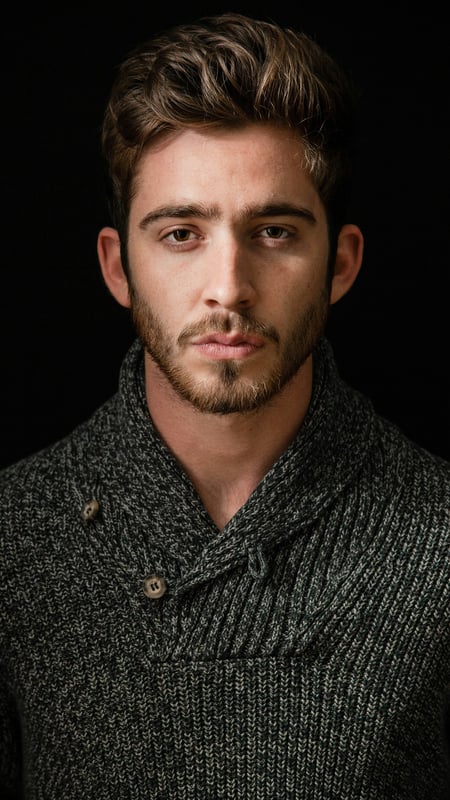
Dark Moody Headshot | Textured Knitwear
Create dramatic close-up portraits with deep contrast and rich knitwear textures. Perfect low-key AI photo template for editorial lighting.
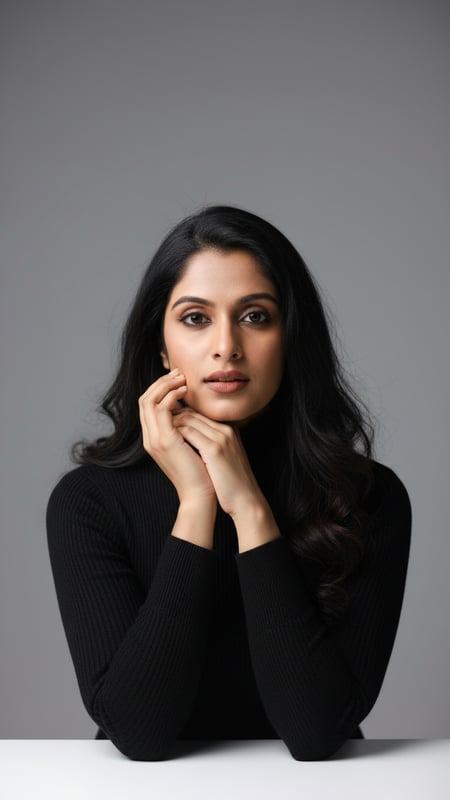
Studio Headshot with Black Turtleneck
High-quality, photorealistic studio headshot featuring an adult in a black turtleneck, smiling, against a medium-gray backdrop.