 VapuAI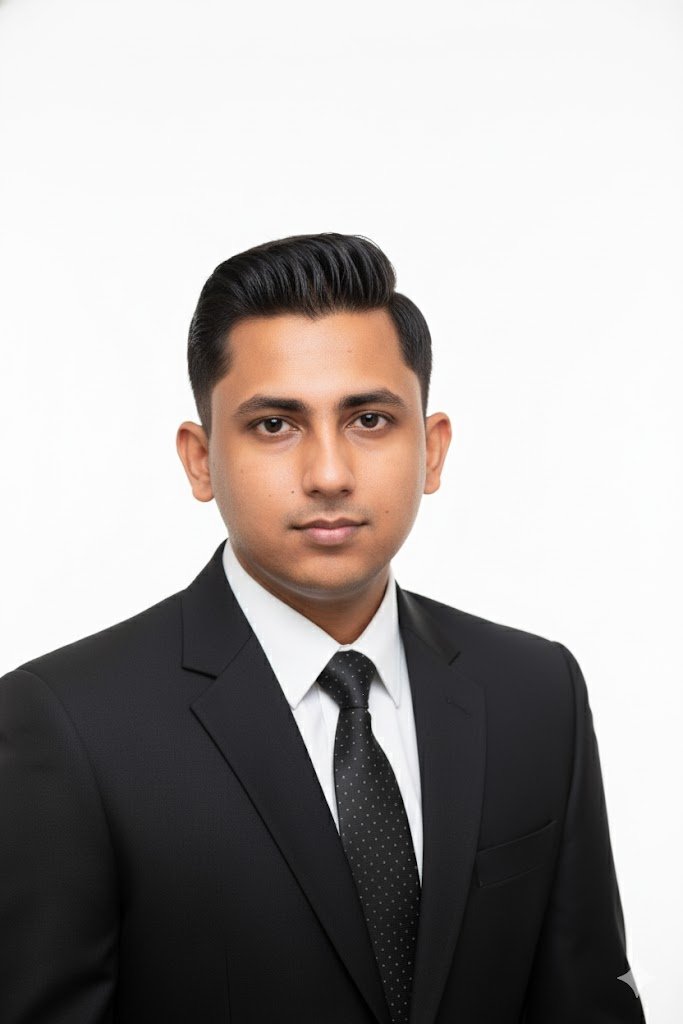
Professional Headshot | Formal Attire
Capture a clean, bright professional headshot in formal business attire. Ideal for LinkedIn, resumes, and corporate branding.
How to Generate Executive-Level Formal Headshots Instantly
Elevate Corporate Branding with Crisp, High-Key Studio Portraits
The Professional Headshot | Formal Attire template is an AI-powered workspace designed to instantly generate clean, brightly lit corporate portraits featuring traditional business wear against a pure white studio background. Whether you are updating an executive's LinkedIn profile, standardizing a corporate directory, or preparing sleek resume photos, this preset guarantees a crisp, high-key lighting setup that exudes authority and polish. Produce campaign-ready, identity-preserving visuals without the need for expensive studio sessions or wardrobe rentals.
How to create it in VapuAI
- 1
Upload a Reference Photo
Upload a clear, well-lit reference image of the subject's face to serve as the identity anchor for your professional headshot.
- 2
Choose the Template
Select the 'Professional Headshot | Formal Attire' template in the VapuAI workspace to automatically apply the high-key studio lighting and pure white background.
- 3
Customize Wardrobe Prompt
Customize the text prompt by specifying preferred formal wear details, such as a tailored charcoal suit, silk tie, or elegant business blouse.
- 4
Generate AI Portrait
Generate the image to let the AI seamlessly blend the subject's facial features with the crisp, formal studio environment.
- 5
Download and Publish
Download the high-resolution, campaign-ready portrait and export it directly for your corporate directory, LinkedIn profile, or press kit.
Prompt & settings
Creative goal
A clean, well-lit, professional headshot portrait against a pure white background, emphasizing formal business attire and a neutral, confident expression. Focus is on the face and upper torso, including shoulders.
Style anchors
Tips for best results
- •Use a reference photo where the subject is looking directly at the camera with a neutral or slight smile to perfectly match the authoritative tone of formal attire.
- •Keep your custom prompt additions focused strictly on clothing details (e.g., 'navy blue blazer with a crisp white dress shirt') to maintain the minimalist corporate aesthetic.
- •Avoid referencing complex background elements in your prompt, as this template is heavily optimized for a pure, seamless white studio backdrop to ensure maximum versatility.
- •Ensure the uploaded reference image is free of heavy, dramatic shadows so it aligns flawlessly with the template's built-in high-key, bright lighting setup.
Best for
- Corporate marketing teams seeking to standardize employee directory headshots with matching high-key lighting and formal business attire.
- Job seekers and professionals needing an authoritative, polished LinkedIn profile picture that conveys strong executive presence.
- PR agencies requiring crisp, neutral portraits for press kits and media releases without scheduling complex photo shoots.
- Event organizers looking to generate consistent, formal speaker headshots for conference brochures and professional landing pages.
- Real estate agents and financial advisors who need a trustworthy, clean aesthetic for business cards and corporate marketing collateral.
Frequently asked questions
Can I specify the exact type of formal attire the subject wears?
Yes, you can use the custom prompt feature to specify details like a pinstripe suit, black tuxedo, or tailored navy blazer. The AI will seamlessly integrate these wardrobe choices while preserving the subject's identity.
Will the background always be a pure white studio backdrop?
Yes, this specific template is designed with a minimalist, high-key lighting setup and a solid, pure white seamless background to ensure a clean and universally applicable corporate look.
Is this template suitable for a company-wide team directory?
Absolutely. By applying this template across different employee reference images, you can achieve a highly consistent, unified look for your entire team's 'About Us' page or internal CRM.
What kind of reference photo yields the best formal headshot?
A front-facing photo with even lighting, no accessories obscuring the face, and a natural expression works best. The AI automatically handles the transition into formal wear and studio lighting.
More Templates in Professional Headshots
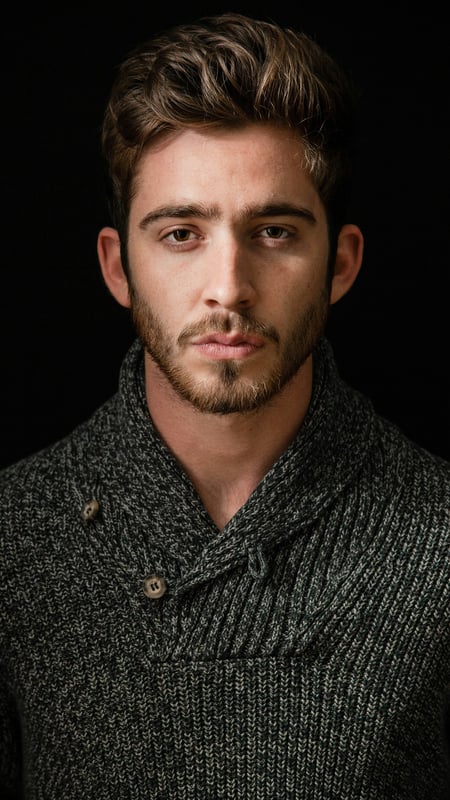
Dark Moody Headshot | Textured Knitwear
Create dramatic close-up portraits with deep contrast and rich knitwear textures. Perfect low-key AI photo template for editorial lighting.
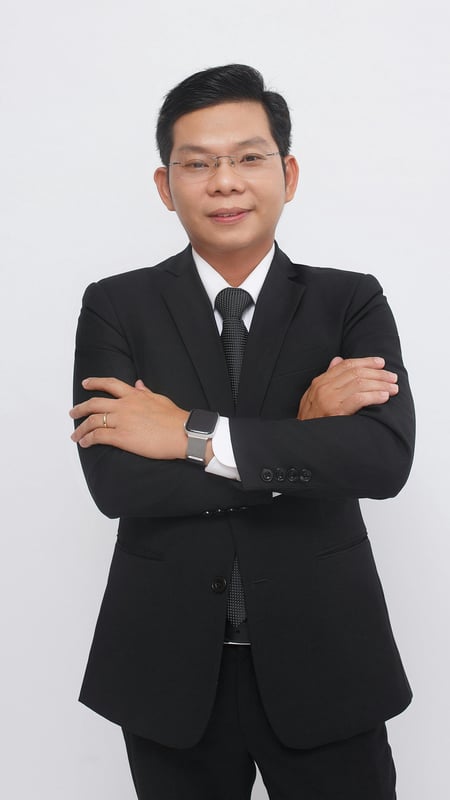
Professional Business Portrait | Crossed Arms
Capture a full-body business portrait with confident crossed arms and clean studio lighting. Ideal for executives, resumes, and corporate branding.
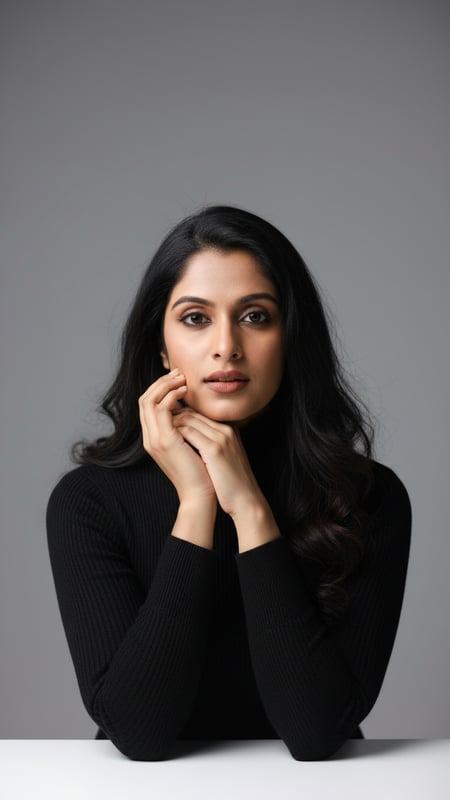
Studio Headshot with Black Turtleneck
High-quality, photorealistic studio headshot featuring an adult in a black turtleneck, smiling, against a medium-gray backdrop.