 VapuAI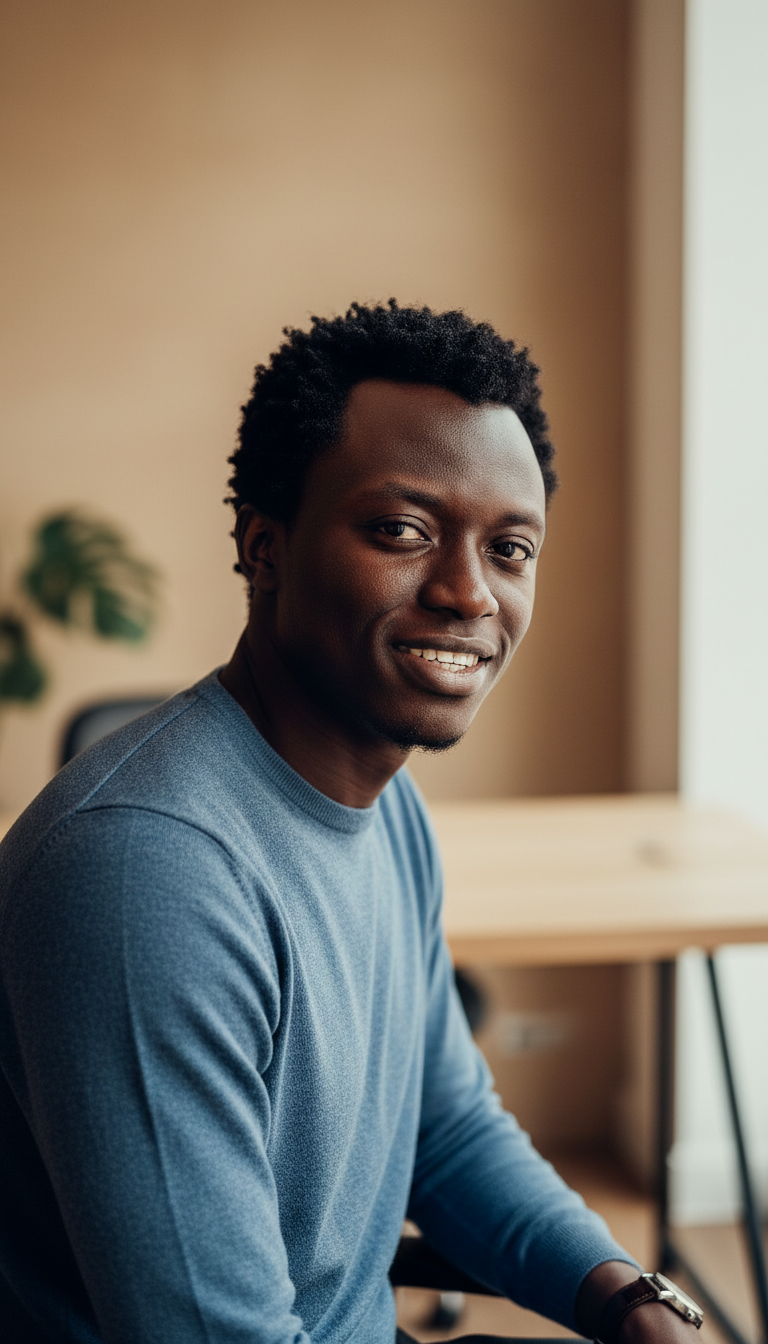
Founder Warm Authentic About Page Headshot
Warm authentic founder headshot for about pages with smart casual styling, natural office environment, and minimal retouching for approachable authenticity.
How can you project approachable leadership on your company's about page?
Create high-trust, low-retouch founder portraits with warm, natural office lighting
The Founder Warm Authentic About Page Headshot template is a specialized AI styling engine designed to generate approachable, photorealistic portraits of business leaders set against a soft, sunlit office backdrop. This template prioritizes absolute realism, preserving natural skin textures, genuine expressions, and gentle dual catchlights from window light, eliminating the artificial, over-processed look of typical corporate headshots. It positions you at an engaging 25-degree angle with a relaxed smile, perfect for humanizing your brand and building instant rapport with clients, investors, and new hires on your company's core team page.
How to create it in VapuAI
- 1
Upload Reference Photo
Upload a clear, high-resolution reference photo of your face, ensuring your natural features and hair are well-defined.
- 2
Select the Template
Select the Founder Warm Authentic About Page Headshot template to automatically apply the soft-office bokeh background and natural window lighting parameters.
- 3
Customize Attire
Customize the scene details by describing your preferred smart casual attire, such as a knit blazer or a linen collar shirt, in the custom text field.
- 4
Generate Portrait
Generate your high-fidelity headshot, allowing our multi-model engine to render authentic skin textures and natural dual catchlights.
- 5
Download Output
Download your polished, high-resolution portrait, ready to upload directly to your website's about page or professional profiles.
Prompt & settings
Tips for best results
- •Use a front-facing, well-lit reference image with neutral expressions to ensure our identity-preserving engine accurately maps your features without distortion.
- •Keep your custom prompt additions focused on wardrobe textures (like 'navy linen blazer' or 'textured cream sweater') to complement the warm, organic aesthetic of the office background.
- •Avoid asking for heavy editing or skin-smoothing in your prompt additions, as this template is tuned specifically for low-retouch, high-trust realism.
- •Align your custom clothing colors with the warm beige (#D4C4B0) background tones and green Monstera foliage for a cohesive brand palette.
Best for
- Startup founders who want to establish immediate trust with early-stage investors through an approachable, non-stuffy visual identity.
- Agency directors looking to present a collaborative, friendly leadership image on their About Us page rather than a cold corporate exterior.
- Independent consultants and coaches who need to balance professional credibility with an inviting, warm personality to attract new clients.
- Creative team leads who want to unify their digital presence across LinkedIn and company directories with consistent, natural-light portraits.
- Marketing managers overseeing rebranding campaigns who need high-volume, authentic headshots for distributed remote teams.
Frequently asked questions
Why does this template emphasize 'low retouching'?
High-trust leadership relies on authenticity, so this template deliberately preserves natural skin textures, pores, and fine lines while avoiding the artificial, plastic look of standard AI-generated avatars.
Can I change the clothing style in this headshot?
Yes, you can customize the smart casual attire in the prompt field, though we recommend soft textures and professional styling to match the relaxed, approachable office environment.
What kind of background is generated with this template?
It generates a softly blurred modern office interior featuring a warm beige wall, a hint of a green Monstera plant, a tidy wooden desk, and realistic natural window light coming from the side.
How does the AI preserve my exact facial identity?
Our platform uses advanced identity-reference mapping to analyze your uploaded photo, ensuring your key facial structure, eyes, and hair styling remain fully consistent in the final generated portrait.
More Templates in Professional Headshots
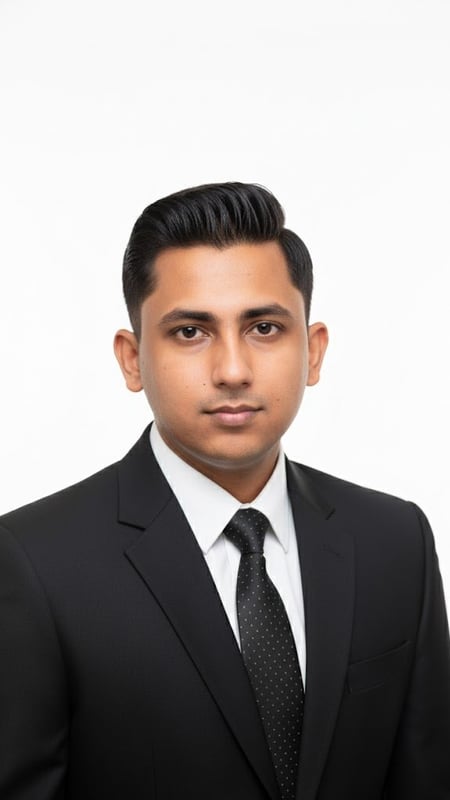
Professional Headshot | Formal Attire
Capture a clean, bright professional headshot in formal business attire. Ideal for LinkedIn, resumes, and corporate branding.
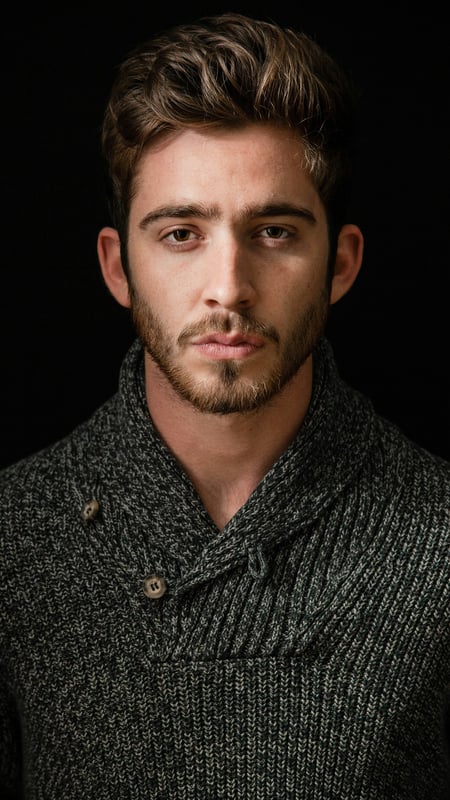
Dark Moody Headshot | Textured Knitwear
Create dramatic close-up portraits with deep contrast and rich knitwear textures. Perfect low-key AI photo template for editorial lighting.
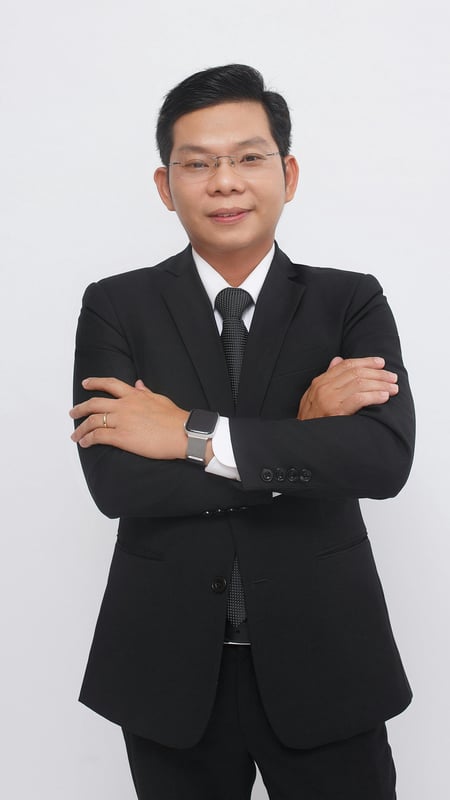
Professional Business Portrait | Crossed Arms
Capture a full-body business portrait with confident crossed arms and clean studio lighting. Ideal for executives, resumes, and corporate branding.