 VapuAI
B2B Headline
B2B Headline template for LinkedIn Ad: generate an on-brand b2b headline visual with VapuAI in minutes.
How do you design high-converting LinkedIn ads with space for copy?
Create professional hero visuals with perfect composition for B2B marketing
The VapuAI B2B Headline template is a specialized layout tool that generates premium, off-center corporate hero photography featuring professional executives in modern workspaces, specifically composed to leave the left half of the image open for high-impact ad copy. Unlike standard portraits that center the subject, this template places the professional on the right third of the frame, surrounded by soft office bokeh and realistic lighting. This composition allows marketing teams to seamlessly overlay value propositions, call-to-actions, or campaign headlines directly onto a clean, uncluttered background without obscuring the human element. It is the ultimate asset for producing polished, thumb-stopping LinkedIn sponsored content that converts.
How to create it in VapuAI
- 1
Select Template
Choose the B2B Headline template in the VapuAI library to initialize the right-aligned layout framework.
- 2
Customize Scene
Enter your specific prompt variables, tailoring the executive's clothing style, gender, and workspace environment to match your campaign.
- 3
Generate Visual
Click generate to render the professional photo, keeping the left half open for copy.
- 4
Download and Overlay
Export your high-resolution asset and overlay your marketing copy in your favorite design tool.
Prompt & settings
Tips for best results
- •Keep your custom prompt additions focused on environment details like glass walls or modern cityscapes to preserve the natural depth of field.
- •Utilize subtle color accents in your prompt, such as a specific brand hue on a background monitor, to tie the visual to your brand identity.
- •Ensure you do not add too many subjects to the scene, as the template is optimized for a single, powerful focal point on the right.
Best for
- B2B Demand Generation Managers who need premium, high-converting ad creative to support their paid social campaigns without waiting weeks for custom photo shoots.
- Creative Agency Art Directors looking to quickly draft and iterate on realistic, professional-grade concept mockups for enterprise client pitches.
- Growth Marketers at SaaS companies who want to run A/B copy tests on LinkedIn while keeping the visual branding consistent and clean.
- Social Media Managers aiming to elevate their organic corporate updates with professional, executive-level imagery that naturally accommodates text overlays.
Frequently asked questions
Why is the subject placed on the right side of the image?
The right-side placement is intentional to create a clean, uncluttered negative space on the left. This allows you to overlay your B2B headlines, logos, and call-to-actions without overlapping the human subject.
Can I change the industry or office setting in this template?
Yes, you can customize the background by adjusting the workspace details in your prompt, such as specifying a creative studio, tech hub, or financial boardroom while keeping the same layout.
Is there text automatically generated on the final image?
No, the template generates a clean, high-quality photograph without any embedded text. This gives you complete freedom to add your own custom copy in post-production or during ad setup.
What resolution is the generated B2B Headline image?
The image is generated in a high-resolution, wide aspect ratio that is optimized for LinkedIn sponsored content and standard desktop feed dimensions.
More Templates in AI LinkedIn Ad Generator

Case Study Stat
Case Study Stat template for LinkedIn Ad: generate an on-brand case study stat visual with VapuAI in minutes.
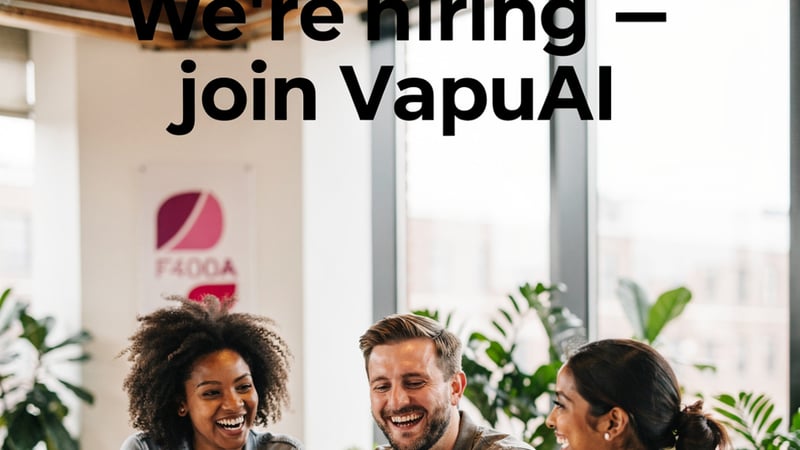
Hiring Brand
Hiring Brand template for LinkedIn Ad: generate an on-brand hiring brand visual with VapuAI in minutes.
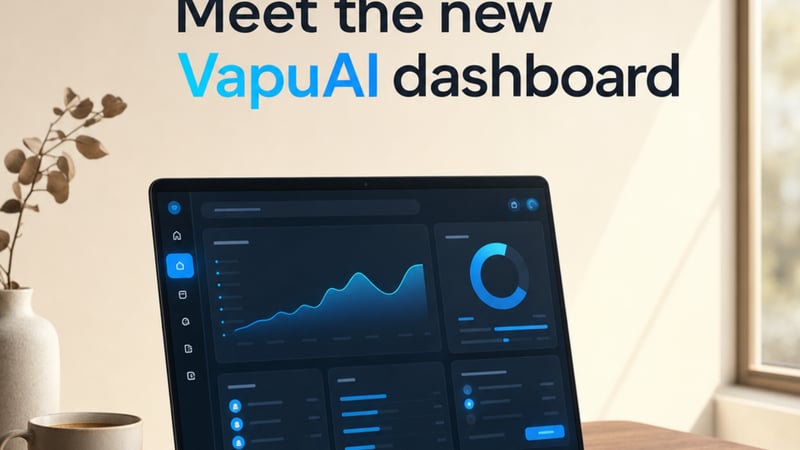
Product Feature
Product Feature template for LinkedIn Ad: generate an on-brand product feature visual with VapuAI in minutes.