 VapuAI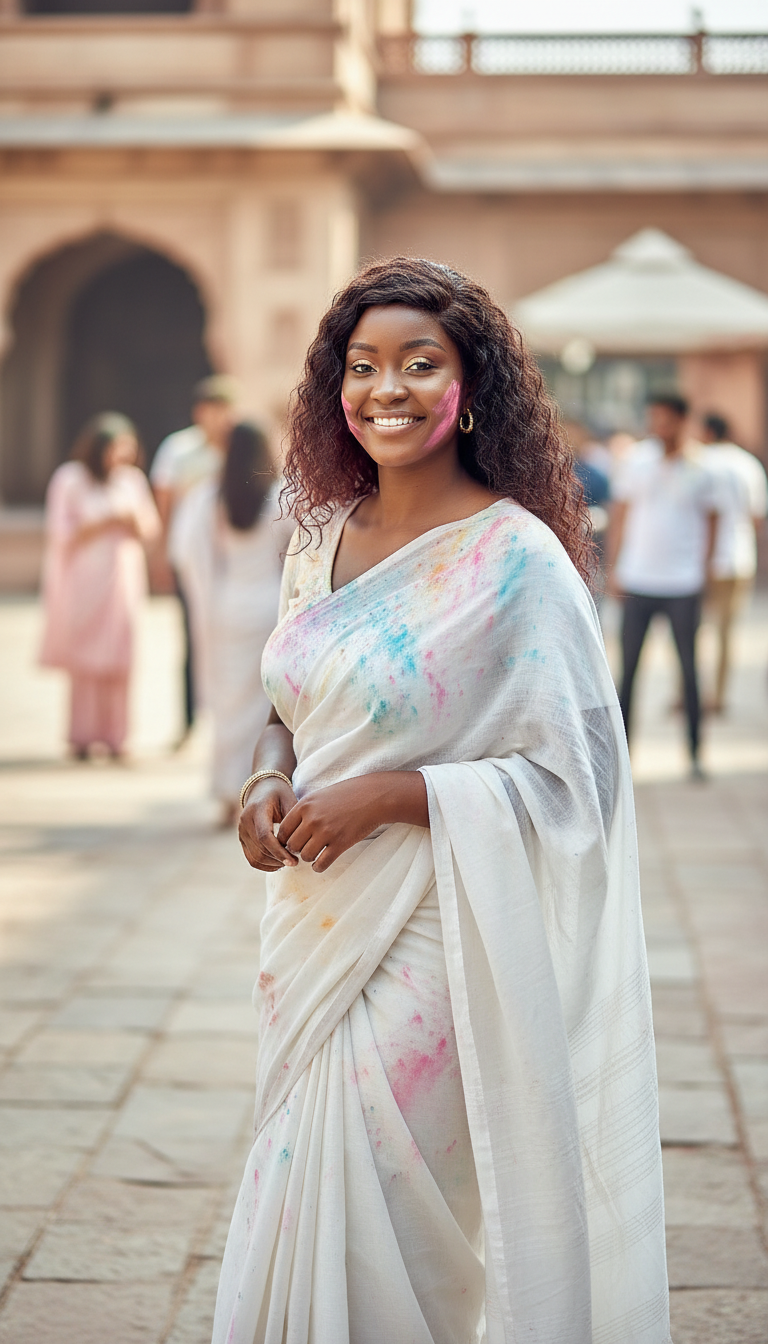
Saree Color Grace
Photorealistic image of a woman in a plain white cotton saree with subtle gulal stains, standing slightly angled, natural makeup, minimal jewelry, sof...
How can you create elegant, authentic Holi campaign visuals with traditional attire?
Craft serene and culturally respectful festival imagery in seconds
The Saree Color Grace template is an AI-powered creative asset designed to generate photorealistic imagery of a woman wearing a classic white cotton saree delicately marked with soft gulal stains. With this template, you can craft elegant, high-resolution festival portraits set in sun-drenched outdoor courtyards, capturing a serene, high-end editorial mood rather than chaotic festival action. It provides marketing teams and lifestyle creators with a sophisticated visual anchor for Holi campaigns, blending authentic Indian cultural heritage with clean, minimalist aesthetics.
How to create it in VapuAI
- 1
Provide Identity Reference
Upload a clear reference photo to VapuAI to lock in your subject's face, hair, and minimal jewelry styling.
- 2
Refine Scene Details
Enter custom prompt details specifying the soft pastel gulal placement and the courtyard background elements.
- 3
Configure Lighting
Ensure the workspace is set to gentle, natural morning sunlight to retain the serene, editorial mood.
- 4
Generate and Refine
Click generate to create the photorealistic image, verifying the subtle white cotton saree textures and soft makeup.
- 5
Export High-Res Asset
Download your final campaign-ready visual in your desired resolution and format for immediate marketing use.
Prompt & settings
Creative goal
Photorealistic image of a woman in a plain white cotton saree with subtle gulal stains, standing slightly angled, natural makeup, minimal jewelry, soft pastel colors, outdoor courtyard, gentle sunlight, serene mood
Style anchors
Tips for best results
- •Keep your custom prompts minimal: focus on describing subtle pastel hues like soft pink, mint green, or light yellow gulal to preserve the gentle aesthetic.
- •Leverage high-quality identity reference images to ensure the generated subject's facial structure and minimal jewelry remain sharp and consistent across your entire campaign.
- •Utilize lighting keywords like 'golden hour', 'diffused morning sunlight', or 'soft courtyard shadows' to enhance the high-end editorial feel of the final image.
Best for
- Ethical fashion brands looking to showcase traditional handloom garments like cotton sarees during the spring festival season with clean, premium aesthetics.
- Social media managers for lifestyle publications who need high-quality, culturally accurate editorial assets that avoid over-saturated or cliché festival imagery.
- Ad agencies designing localized regional campaigns for premium cosmetics, highlighting natural makeup and authentic skincare under soft, natural sunlight.
- Digital creators wanting to build a consistent, aesthetically pleasing visual narrative around Indian heritage and modern festive elegance on Instagram and Pinterest.
- Corporate communications teams needing polished, respectful, and sophisticated festive greeting visuals that align with professional brand guidelines.
Frequently asked questions
Can I change the color of the saree in the Saree Color Grace template?
While the template is optimized for a classic white cotton saree to showcase the contrasting soft gulal stains, you can use custom prompt modifiers to suggest pastel shades or light cream variations while keeping the fabric texture authentic.
Is this template suitable for high-resolution print campaigns?
Yes, VapuAI generates high-resolution, professional-grade visuals with sharp fabric details and clear facial structures, making them perfect for both digital and print media.
How do I maintain character consistency across multiple generations?
By uploading a consistent identity reference image in VapuAI's workspace, the platform preserves facial structure, expression, and hair styling across different background modifications.
Can I adjust the intensity of the gulal color stains?
Absolutely. You can specify the density of the stains in your prompt, directing the AI to generate either barely-there pastel dustings or slightly more vibrant, localized color splashes on the white fabric.
More Templates in Indian Festival Celebration
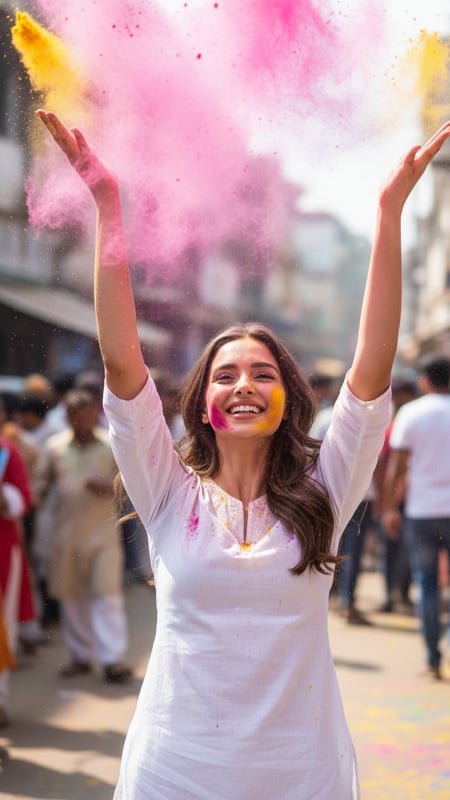
Gulal Toss Joy
Ultra-realistic photograph of a single young adult standing center-frame on an Indian street during Holi, wearing a plain white kurta, captured at 1/2...
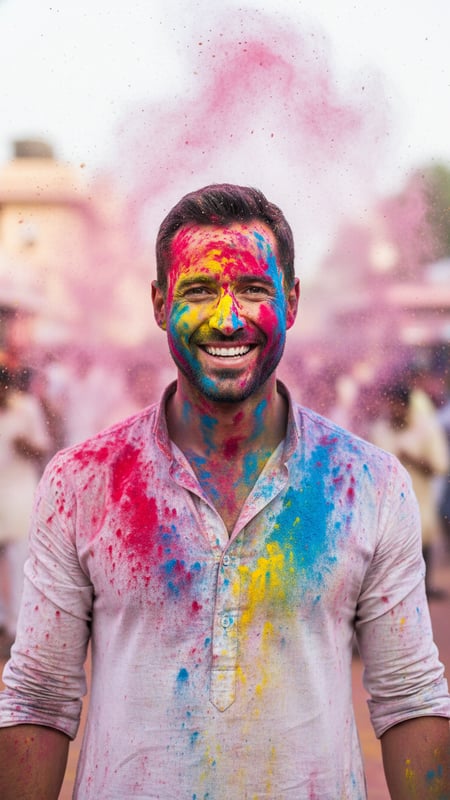
Color Burst Portrait
High-resolution cinematic portrait of one person facing the camera, face and hands covered evenly in red, blue, and yellow gulal, powder suspended in ...
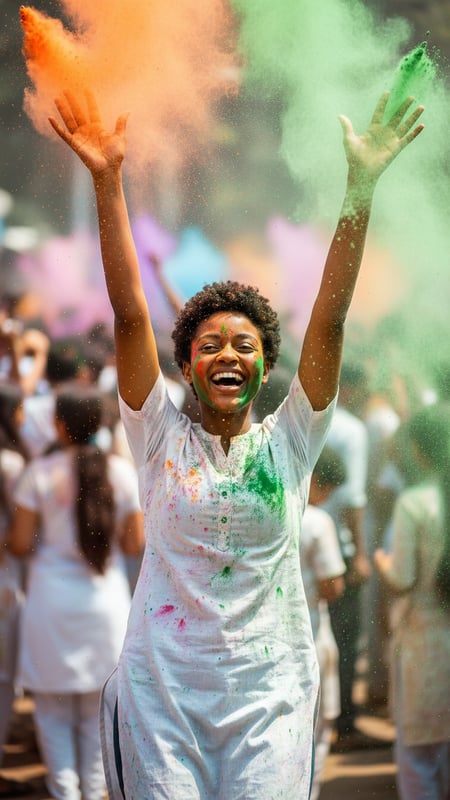
Mid-Air Laughter
Action shot of a single person laughing with both hands raised, releasing orange and green gulal, shot from waist-up, crowded Holi background blurred ...