 VapuAI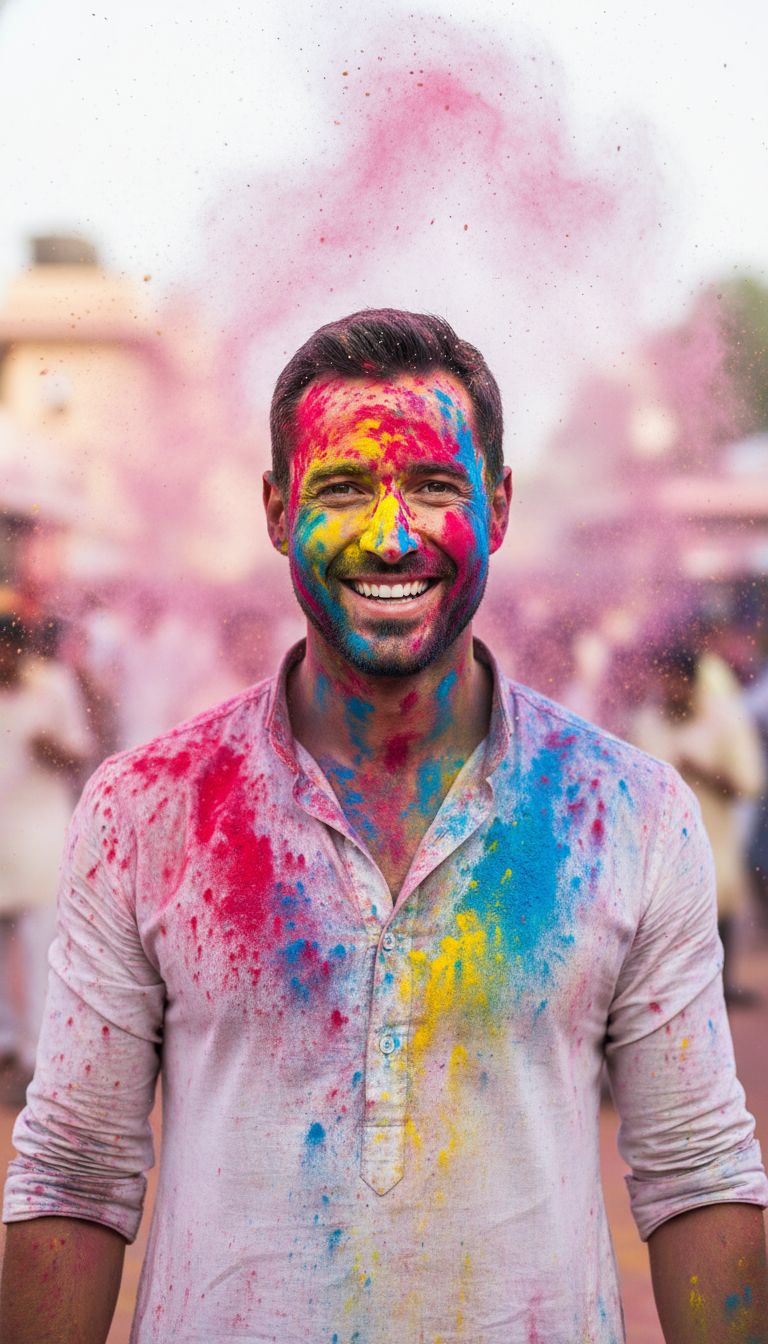
Color Burst Portrait
High-resolution cinematic portrait of one person facing the camera, face and hands covered evenly in red, blue, and yellow gulal, powder suspended in ...
How Do You Capture the Perfect Symmetrical Holi Portrait with AI?
Create Cinematic Festive Visuals with Suspended Gulal and Soft Natural Lighting
The Color Burst Portrait template is a specialized AI-powered creative tool designed to generate high-resolution, front-facing cinematic portraits of individuals covered in vibrant, evenly distributed red, blue, and yellow gulal. This template allows you to produce stunning cultural photography where the subject faces the camera symmetrically, framed by a delicate, suspended cloud of colorful Holi powder. Perfect for capturing the joyful essence of Indian spring celebrations, the resulting visuals feature soft diffused daylight and sharp facial focus that make every detail pop, eliminating the need for expensive, messy physical photoshoots.
How to create it in VapuAI
- 1
Upload Subject Reference Photo
Upload a clear, front-facing reference image to VapuAI to lock in your subject's facial structure and identity.
- 2
Choose Color Burst Portrait Template
Select the Color Burst Portrait template from the Indian Festival Celebration category to load the pre-configured settings.
- 3
Add Custom Attire and Subject Prompts
Input specific details in the custom prompt placeholder, such as specifying a white kurta or specific accessories.
- 4
Render and Download the High-Resolution Image
Click generate to render your cinematic portrait with suspended gulal, then download the finalized campaign-ready asset.
Prompt & settings
Creative goal
High-resolution cinematic portrait of one person facing the camera, face and hands covered evenly in red, blue, and yellow gulal, powder suspended in air around head, neutral outdoor background, soft diffused daylight, sharp facial focus, symmetrical composition, professional festival photography
Style anchors
Tips for best results
- •Use a clear, front-facing reference photo with neutral lighting to ensure the AI accurately maps the symmetrical Holi paint onto the face.
- •Keep your custom prompt additions focused on wardrobe (like a classic white kurta) to prevent clashing with the pre-configured red, blue, and yellow powder mix.
- •Avoid adding background details in your custom prompt, as the template's soft, neutral outdoor background is designed to make the vibrant colors stand out.
- •If you want to alter the intensity of the suspended powder cloud, use subtle adjectives like 'dense' or 'whispering' in your subject description.
Best for
- Cultural lifestyle influencers can use this template to post high-impact, professionally styled Holi greetings without having to clean up actual powder from their cameras or studios.
- Creative agencies working on festive campaigns can generate authentic, high-resolution hero imagery for Indian festival promotions that perfectly align with client color schemes.
- Social media managers for global retail brands can quickly produce eye-catching, culturally resonant visuals for their spring holiday marketing calendars.
- Digital artists and portrait photographers can utilize this tool to prototype complex symmetrical lighting set-ups and color-burst concepts before executing them in real life.
Frequently asked questions
Can I change the colors of the gulal in this template?
While the template is optimized for a balanced mix of red, blue, and yellow, you can guide the colors by adding specific color preferences in the custom prompt placeholder.
Will the AI maintain my model's exact facial structure?
Yes, by utilizing the identity reference image feature, the platform preserves the unique facial structure, hair, and key features of your subject.
What is the best type of clothing to specify for this portrait?
We recommend specifying light-colored or white traditional Indian attire, which provides a high-contrast canvas that lets the vibrant color burst stand out beautifully.
Is the suspended powder effect customizable?
The template automatically generates a professional, high-speed capture of suspended powder around the head, but you can describe the density of the cloud in your custom prompt.
More Templates in Indian Festival Celebration
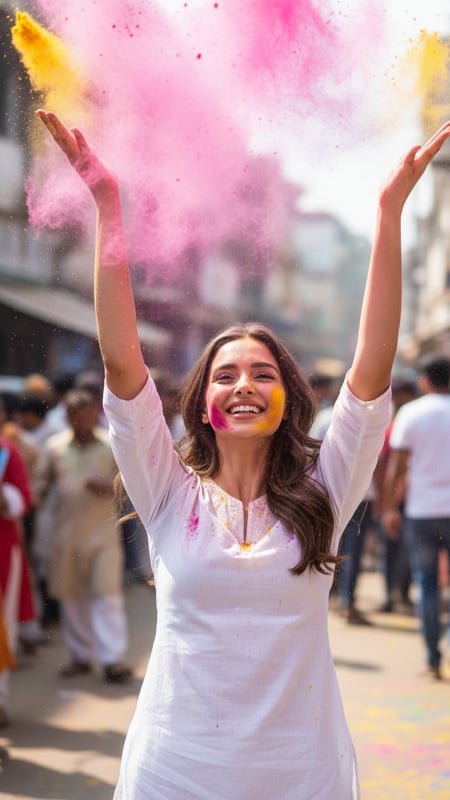
Gulal Toss Joy
Ultra-realistic photograph of a single young adult standing center-frame on an Indian street during Holi, wearing a plain white kurta, captured at 1/2...
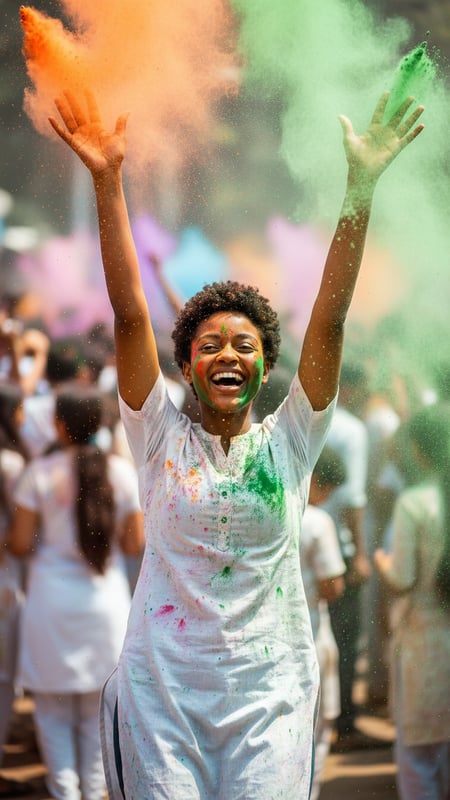
Mid-Air Laughter
Action shot of a single person laughing with both hands raised, releasing orange and green gulal, shot from waist-up, crowded Holi background blurred ...
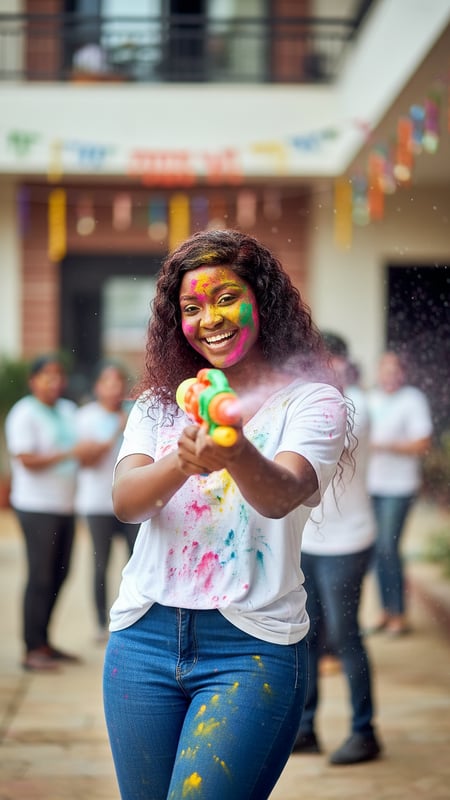
Water Gun Fun
Photorealistic image of one person soaked in colored water holding a bright plastic pichkari, standing in a residential Indian courtyard, splashes fro...