 VapuAI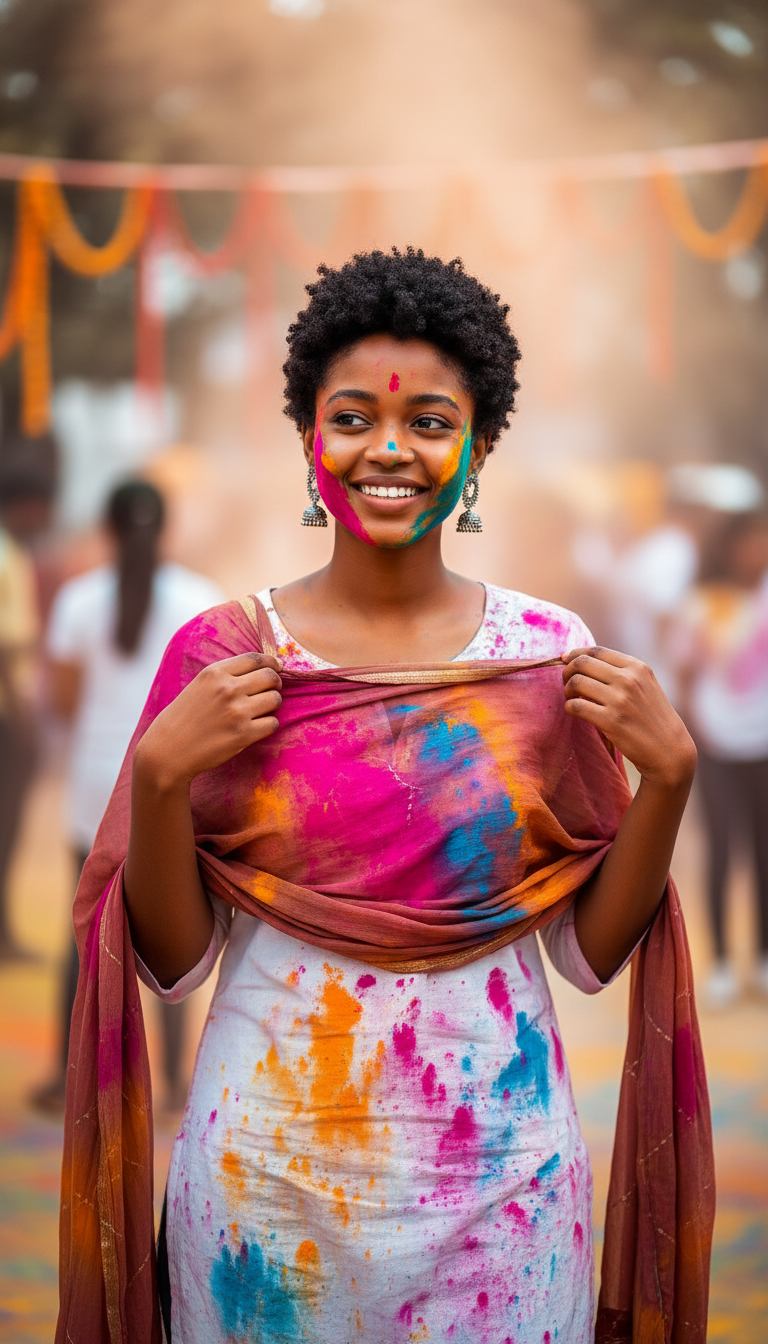
Dupatta Adjustment
Candid-style photo of a person adjusting a color-stained dupatta, mid-shot, multicolored gulal on fabric, neutral background, shallow depth of field, ...
How do you capture authentic, candid festive moments in your Holi campaigns?
Create stunning mid-shot visuals featuring realistic fabric textures and vibrant gulal stains
The Dupatta Adjustment AI photo template allows you to generate high-fidelity, candid-style images of a subject adjusting a color-speckled dupatta during Holi celebrations. This specialized asset is designed for brands and creators who want to capture the natural, unposed essence of Indian festivals, focusing on the tactile beauty of traditional textiles stained with multicolored gulal. By using this template, you can produce stunning, high-resolution mid-shots featuring soft, natural lighting and a shallow depth of field that emphasizes the delicate movement of the fabric. It offers an authentic alternative to stiff studio shots, helping your audience connect with the genuine, joyful chaos of festive celebrations.
How to create it in VapuAI
- 1
Upload reference image
Upload a high-quality photo of your subject to lock in facial structure and identity consistency.
- 2
Select template
Choose the 'Dupatta Adjustment' template to apply the candid, mid-shot pose and festive lighting.
- 3
Customize details
Input specific details about the dupatta material, color, and gulal density in the prompt placeholder.
- 4
Generate and refine
Click generate to create your high-resolution image, then download or refine using VapuAI's editing tools.
Prompt & settings
Creative goal
Candid-style photo of a person adjusting a color-stained dupatta, mid-shot, multicolored gulal on fabric, neutral background, shallow depth of field, natural lighting, authentic Holi moment
Style anchors
Tips for best results
- •For the most realistic textile feel, specify the fabric type in your custom prompt, such as 'sheer organza dupatta' or 'textured cotton dupatta'.
- •Keep the background description neutral to ensure the shallow depth of field keeps the focal point entirely on the subject's expression and the color-stained fabric.
- •Use identity reference images with clear, forward-facing angles to maintain perfect facial consistency during the generation process.
Best for
- Ethnic wear brands wanting to showcase the durability, drape, and real-world festive appeal of their dupattas and kurtas during Holi campaigns.
- Social media managers creating authentic, relatable storytelling posts that resonate with cultural audiences during major Indian festivals.
- Ad agencies looking to generate high-quality, candid-style campaign visuals without the massive overhead of on-location festive photo shoots.
- Lifestyle bloggers and digital creators seeking culturally accurate, high-fidelity hero images to elevate their holiday content calendars.
Frequently asked questions
Can I change the color of the dupatta and the gulal stains?
Yes, you can specify custom colors for both the fabric and the gulal powders in your prompt placeholder to align with your brand's specific color palette.
How does the template maintain face consistency across generations?
By uploading an identity reference image in VapuAI, the platform preserves facial structures, expressions, and key details while applying the dynamic candid pose.
Is this template suitable for commercial ethnic wear advertising?
Absolutely. The high-resolution output and realistic fabric texture mapping make it ideal for print, social, and digital advertising campaigns for fashion brands.
Can I adjust the intensity of the depth of field?
Yes, you can guide the background blur by adding terms like 'extremely soft background blur' or 'subtle courtyard background' in your custom prompt inputs.
More Templates in Indian Festival Celebration
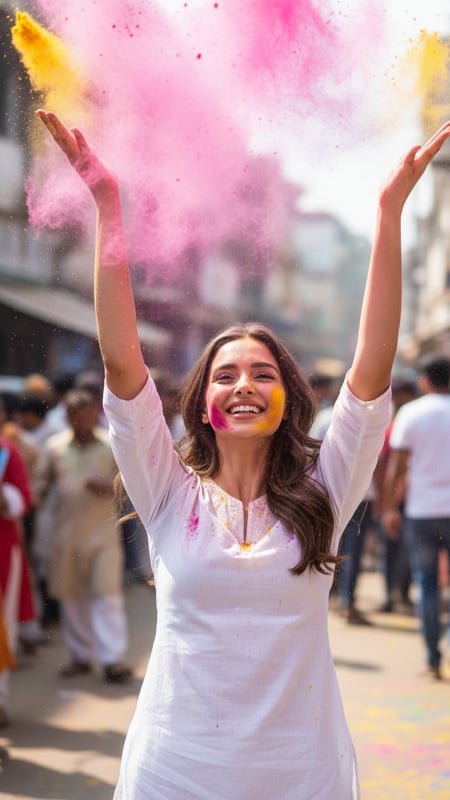
Gulal Toss Joy
Ultra-realistic photograph of a single young adult standing center-frame on an Indian street during Holi, wearing a plain white kurta, captured at 1/2...
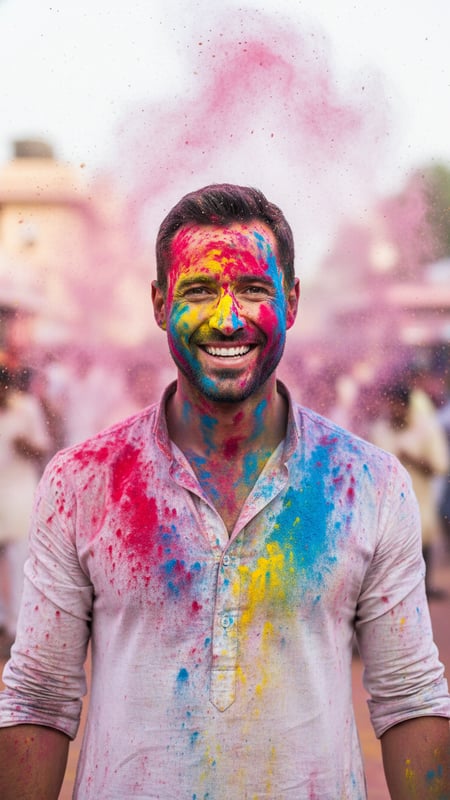
Color Burst Portrait
High-resolution cinematic portrait of one person facing the camera, face and hands covered evenly in red, blue, and yellow gulal, powder suspended in ...
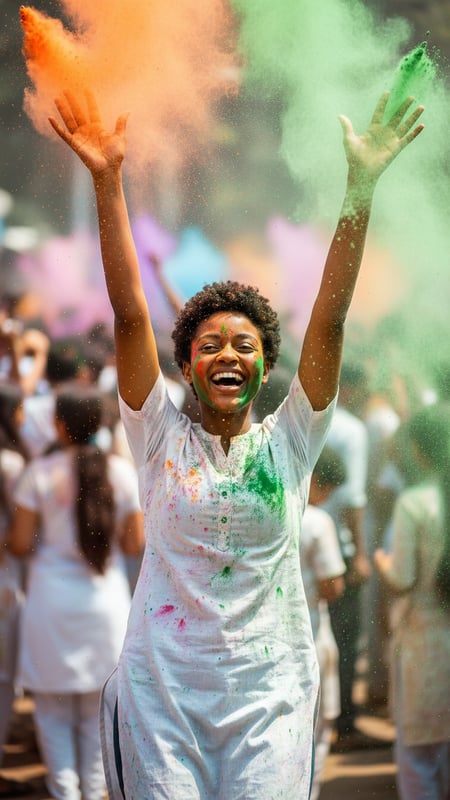
Mid-Air Laughter
Action shot of a single person laughing with both hands raised, releasing orange and green gulal, shot from waist-up, crowded Holi background blurred ...