 VapuAI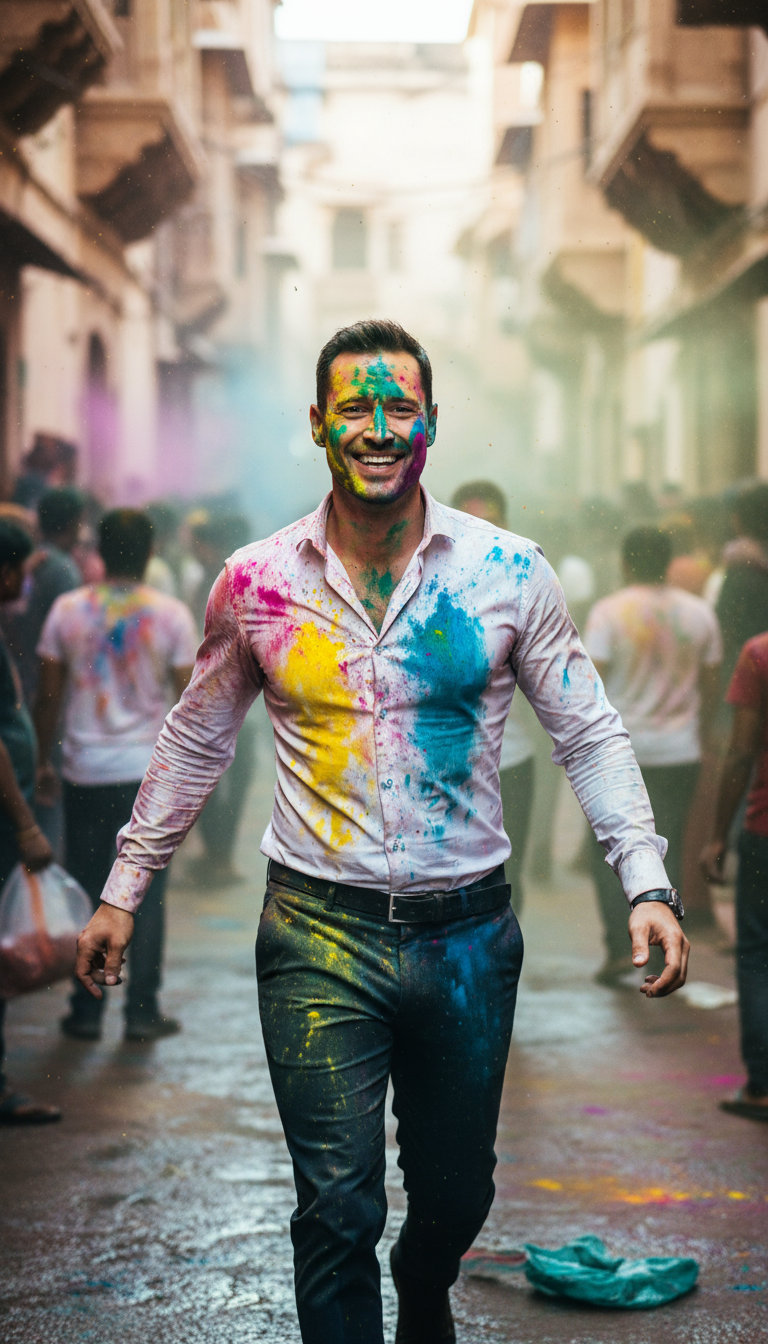
Color Run
Dynamic street-level shot of one person running toward the camera in a narrow Indian lane, clothes drenched in multicolored water, motion blur on back...
How do you capture high-energy Holi festival action in a single image?
Create dynamic street-level action shots with realistic motion blur
The Color Run AI photo template allows you to generate a highly dynamic, street-level action shot of a single subject sprinting toward the camera down a narrow, authentic Indian alleyway during Holi. This template delivers stunning, high-energy imagery featuring a sharp subject drenched in multi-colored water, contrasted beautifully against a softly motion-blurred background that captures the chaotic joy of the festival. Perfect for fast-paced social media campaigns and energetic brand visuals, it replicates the authentic, handheld feel of a professional action photographer embedded in the heart of a vibrant Indian celebration.
How to create it in VapuAI
- 1
Upload Reference Photo
Upload a clear portrait to VapuAI to maintain consistent identity for the runner.
- 2
Customize Scene Details
Input specific prompt adjustments detailing the color scheme, clothing, and expression of the subject.
- 3
Configure Motion Settings
Set the generation parameters to emphasize the street-level handheld camera angle and background motion blur.
- 4
Render and Export
Generate the final image inside the VapuAI workspace and download it in high resolution.
Prompt & settings
Creative goal
Dynamic street-level shot of one person running toward the camera in a narrow Indian lane, clothes drenched in multicolored water, motion blur on background, subject sharp, handheld camera feel, energetic Holi atmosphere
Style anchors
Tips for best results
- •Use high-contrast clothing descriptions, like a white t-shirt, to make the multicolored water splashes pop intensely.
- •Describe specific facial expressions, like wide-eyed excitement or pure laughter, to amplify the dynamic mood of the run.
- •Keep your reference image lighting clean and front-lit to ensure the AI seamlessly blends the subject into the bright daylight of the narrow Indian lane.
Best for
- Social media managers looking to capture the raw, kinetic energy of Holi celebrations with high-velocity action content.
- Ad agencies designing high-impact festive campaigns that require sharp, emotionally engaging subject focus amidst colorful chaos.
- Travel and lifestyle bloggers wanting to depict authentic, immersive experiences of Indian street festivals without the logistics of a live photoshoot.
- Brand marketers needing vibrant, culturally resonant visual assets that emphasize movement, youthfulness, and joy.
Frequently asked questions
Can I change the gender or ethnicity of the runner in this template?
Yes, you can specify the runner's demographic details in the custom prompt placeholder, or upload a reference image to match a specific model's appearance.
How does the motion blur effect work on the background?
The AI automatically applies a realistic motion blur to the narrow alleyway background while keeping your central subject tack-sharp to simulate high-speed movement.
Can I customize the intensity of the color splashes on the clothes?
Absolutely. You can add descriptive terms like 'heavily drenched in deep pink and blue water' or 'subtle powder splatters' to control the color distribution.
More Templates in Indian Festival Celebration
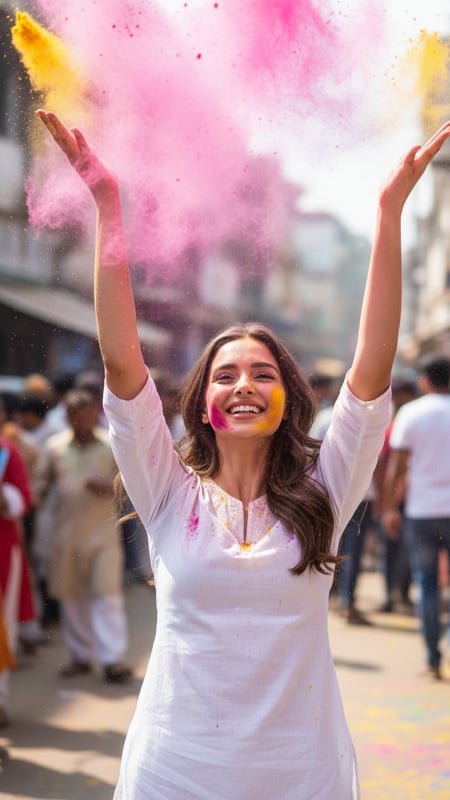
Gulal Toss Joy
Ultra-realistic photograph of a single young adult standing center-frame on an Indian street during Holi, wearing a plain white kurta, captured at 1/2...
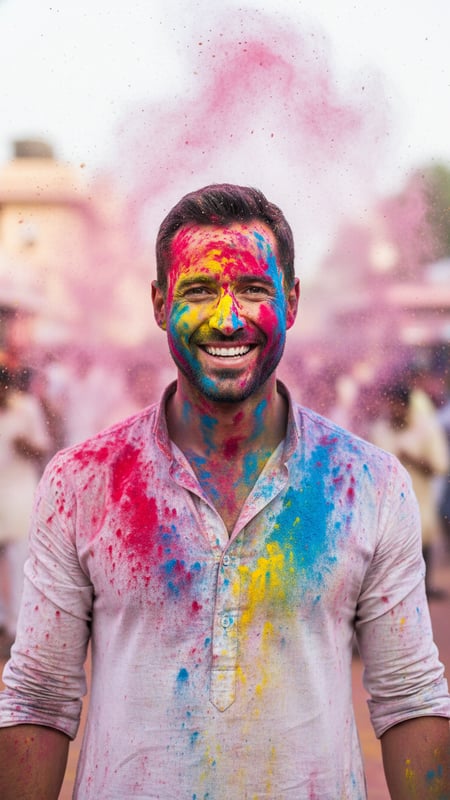
Color Burst Portrait
High-resolution cinematic portrait of one person facing the camera, face and hands covered evenly in red, blue, and yellow gulal, powder suspended in ...
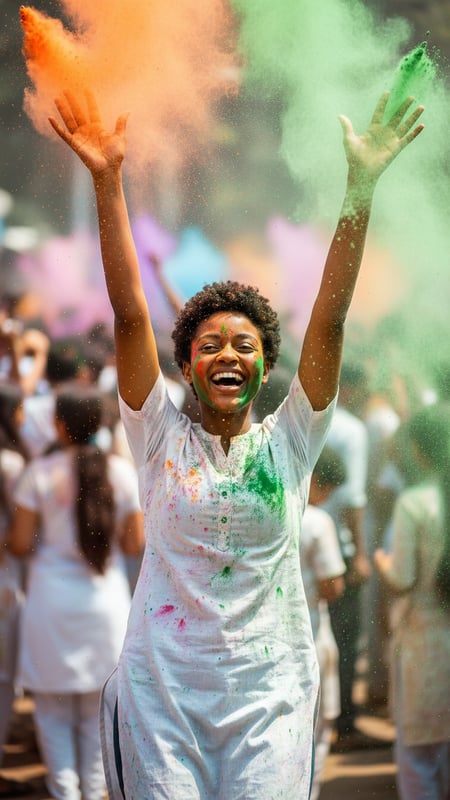
Mid-Air Laughter
Action shot of a single person laughing with both hands raised, releasing orange and green gulal, shot from waist-up, crowded Holi background blurred ...