 VapuAI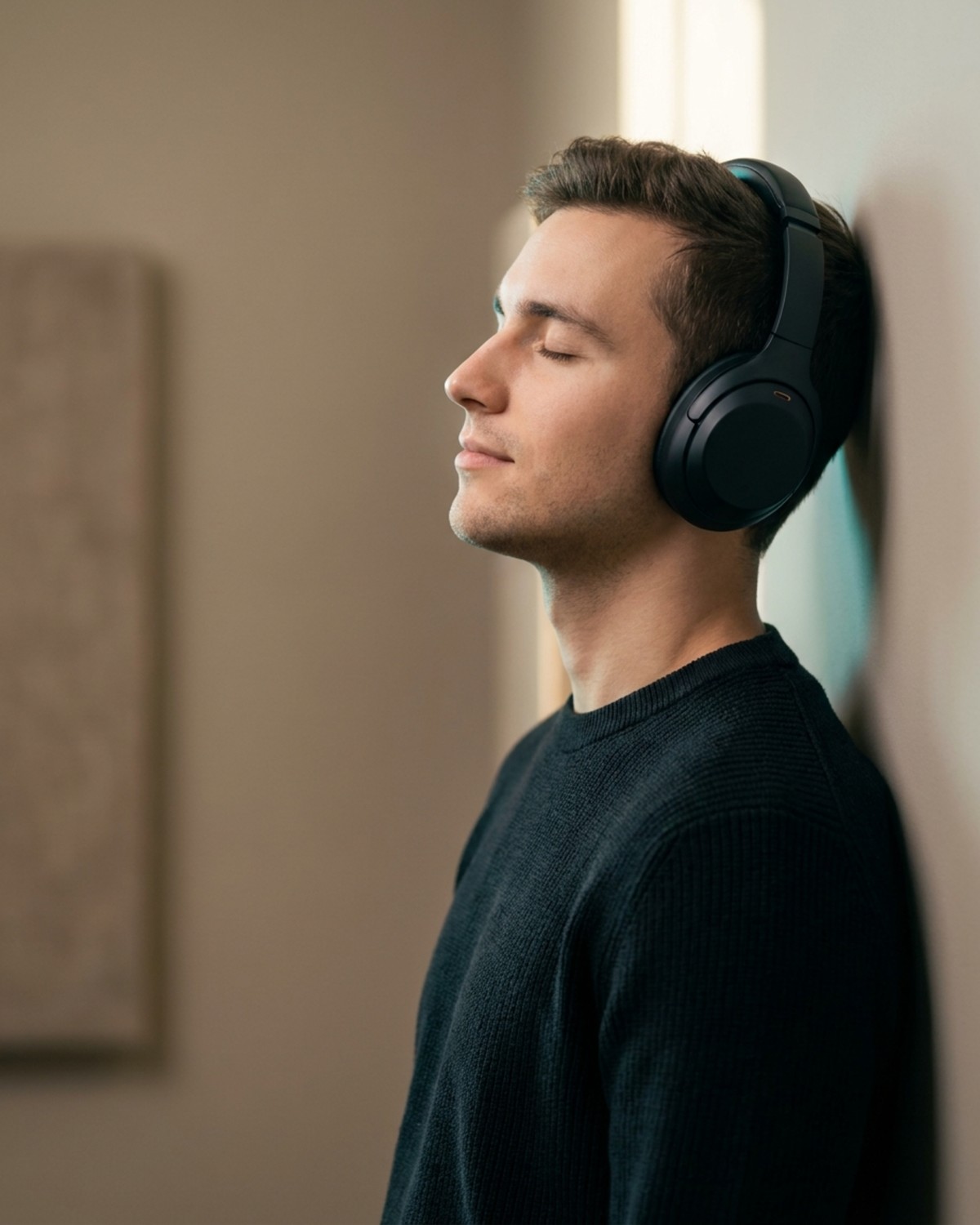
Model In Use
Model In Use template for Ecommerce Product Image: generate an on-brand model in use visual with VapuAI in minutes.
How do you create high-converting model-in-use product visuals without expensive photoshoots?
Produce studio-grade lifestyle portraits designed for ad copy and social campaigns
The Model In Use template is a specialized AI-powered layout designed to generate photorealistic, studio-quality lifestyle images of models interacting naturally with products like headphones, wearable tech, or apparel. By choosing this template, you can instantly render high-end commercial imagery featuring realistic human subjects offset to the right, leaving balanced negative space on the left that is perfectly optimized for marketing copy and promotional overlays. This approach eliminates the need for expensive talent casting, studio rentals, and complex lighting setups while maintaining a cohesive, aspirational aesthetic across your entire e-commerce catalog.
How to create it in VapuAI
- 1
Select the Template
Choose the Model In Use template from the VapuAI e-commerce ideas gallery to load the optimized layout structure.
- 2
Input Product Details
Describe your product, such as matte-black headphones, including specific textures and materials in the custom prompt area.
- 3
Define the Model and Mood
Specify the model's appearance, posture, and emotional expression to fit your target market's aspirational style.
- 4
Generate and Download
Render the commercial-grade visual, review the composition, and download the asset to add your custom marketing copy.
Prompt & settings
Tips for best results
- •Keep the subject offset to one side to preserve the designated negative space, ensuring your marketing copy remains highly legible.
- •Specify lighting details like soft key light or subtle rim colors to make the product stand out naturally against the warm greige backdrop.
- •Describe the emotional state of the model, such as relaxed or joyful, to evoke a stronger aspirational connection with your target audience.
- •Input precise material descriptors like matte finish, brushed metal, or textured fabric to ensure the AI renders product textures accurately.
Best for
- E-commerce store owners who need professional lifestyle imagery of models wearing their products to boost conversion rates on product detail pages.
- Social media managers looking to generate high-performing, aspirational visual assets with built-in negative space for Instagram and TikTok ad creatives.
- Digital marketing agencies who want to pitch multiple creative directions to clients rapidly without committing budget to pre-production photography.
- Brand designers who require clean, commercial-grade portraits that easily integrate text overlays and promotional copy for seasonal marketing campaigns.
- Product managers launching new wearable accessories who need instant, high-fidelity mockups of their items in a realistic, premium studio environment.
Frequently asked questions
Can I change the type of product the model is wearing?
Yes, you can easily customize the prompt placeholder to feature different products like earbuds, glasses, hats, or apparel while keeping the same studio composition.
Why is the subject offset to the right in this template?
The subject is offset to create a clean area of negative space on the left, making it easy to add marketing copy, prices, or call-to-action buttons without cluttering the image.
Can I adjust the lighting and background colors?
Absolutely, you can modify the prompt to change the studio backdrop from warm greige to any color scheme that matches your brand palette, as well as adjust the rim light colors.
Is the generated model royalty-free for commercial use?
Yes, all models and images generated on VapuAI are fully cleared for commercial marketing, social media campaigns, and e-commerce store listings.
More Templates in AI Ecommerce Product Image Generator
Detail Close Up
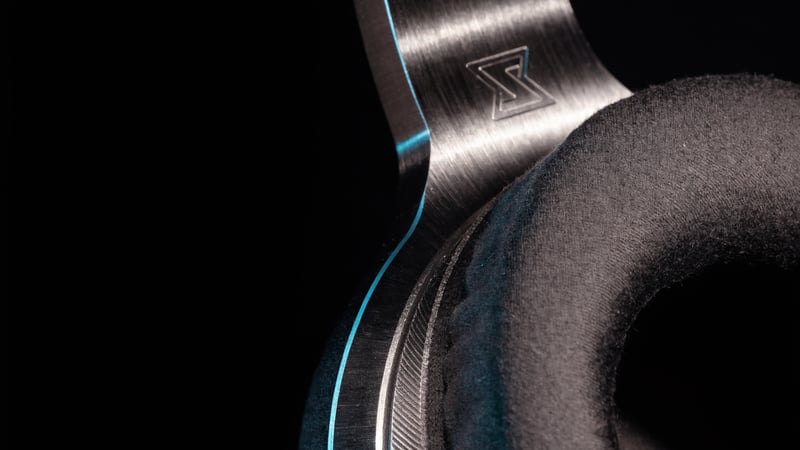
Detail Close Up template for Ecommerce Product Image: generate an on-brand detail close up visual with VapuAI in minutes.
Flat Lay
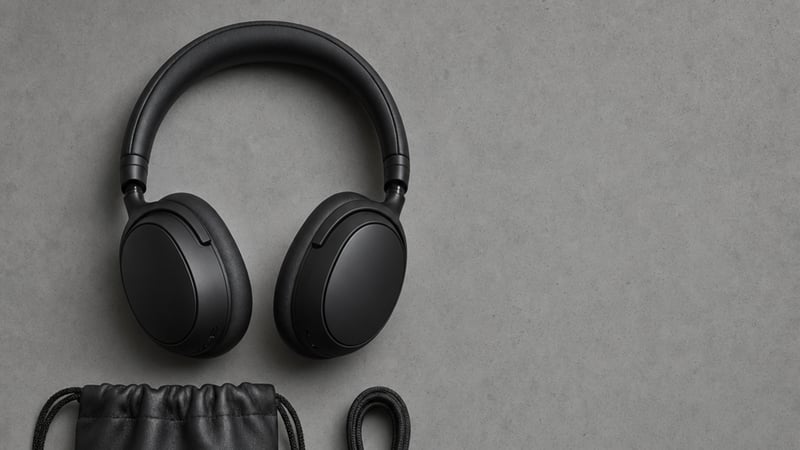
Flat Lay template for Ecommerce Product Image: generate an on-brand flat lay visual with VapuAI in minutes.
Lifestyle Scene
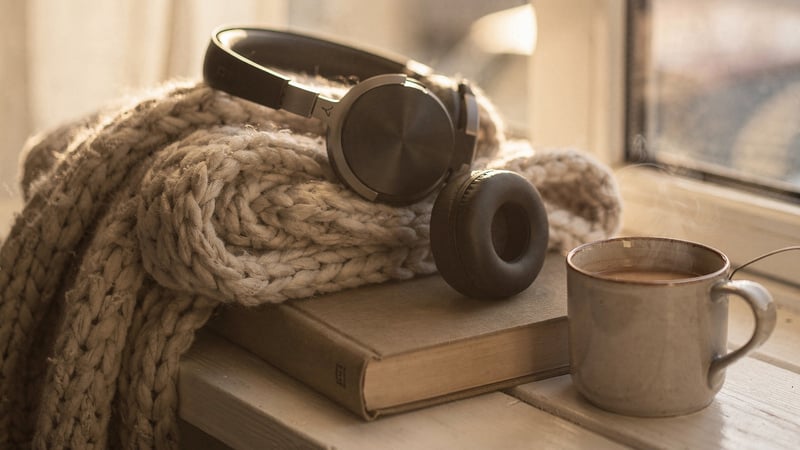
Lifestyle Scene template for Ecommerce Product Image: generate an on-brand lifestyle scene visual with VapuAI in minutes.