 VapuAI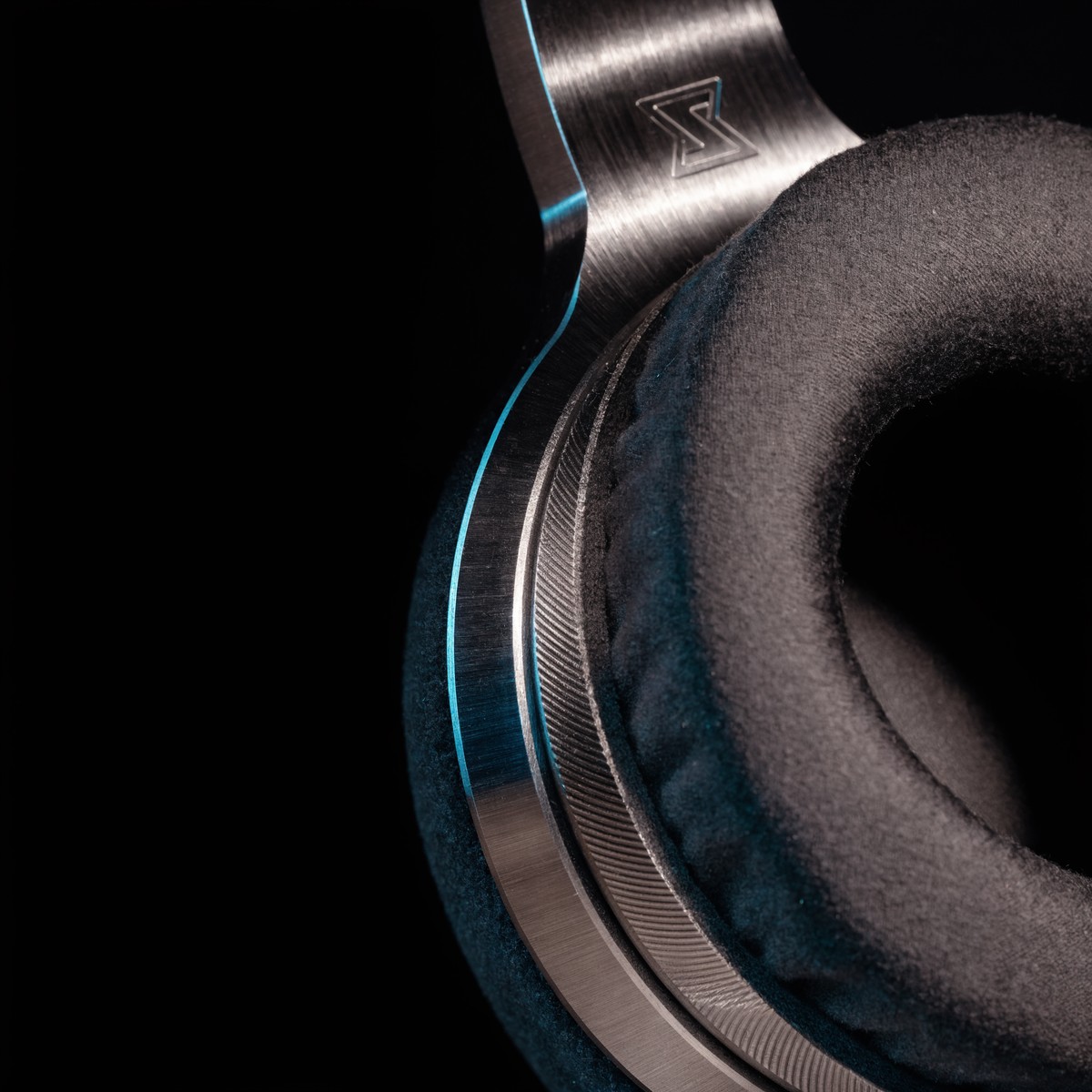
Detail Close Up
Detail Close Up template for Ecommerce Product Image: generate an on-brand detail close up visual with VapuAI in minutes.
How can you showcase premium product textures and craftsmanship online?
Mastering extreme macro photography for high-converting ecommerce visuals
The Detail Close Up template is a specialized AI product photography tool designed to generate extreme macro shots that highlight fine textures, intricate stitching, and premium materials of your ecommerce merchandise. By simulating a 100mm macro lens with a shallow depth of field, this template allows you to produce stunning close-ups of brushed metal finishes, embossed branding, and delicate fabric weaves. It places your product details against a soft, out-of-focus background with strategically positioned negative space, making it perfect for feature callouts on landing pages or social media advertisements.
How to create it in VapuAI
- 1
Select the Detail Close Up Template
Open the VapuAI workspace and choose the Detail Close Up template from the ecommerce product image category.
- 2
Define Your Material Textures
Input a descriptive prompt specifying the exact materials of your product, such as brushed metal, leather grain, or precision stitching.
- 3
Adjust Composition and Lighting
Set your lighting preferences to raking studio light to reveal fine surface details and ensure ample negative space for future callouts.
- 4
Generate and Refine
Click generate to create the macro image, then use VapuAI's editing tools to polish the texture details and export your high-resolution asset.
Prompt & settings
Tips for best results
- •Mention specific materials in your custom prompt, such as anodized aluminum, saffiano leather, or matte silicone, to guide the AI in generating hyper-realistic textures.
- •Utilize the negative space strategically by keeping one side of your image clean, which is ideal for adding feature callout text or spec badges later.
- •Specify the lighting mood, like dramatic soft raking light, to naturally accentuate the microscopic raised surfaces and stitching depth of your product.
- •Keep the focus point narrow by instructing the generator to concentrate on a single element, such as an embossed logo or a zipper seam.
Best for
- Luxury goods marketers who need to highlight the impeccable stitching, premium leather grain, or embossed logos of high-end accessories.
- Consumer electronics brands wanting to showcase precision-engineered metallic edges, tactile buttons, and sleek ports on their gadgets.
- Ecommerce agencies building detailed product detail pages that require macro-level texture shots to reduce customer return rates.
- Social media managers creating zoom-in educational carousels that point out specific product materials and craftsmanship features.
- Direct-to-consumer apparel designers who want to visually communicate the softness, weave density, and quality of their sustainable fabrics.
Frequently asked questions
Why should I use a macro close up instead of a standard product shot?
Macro close-ups build trust by proving the quality of your materials. They show customers exactly what the product feels like, highlighting details that standard lifestyle or white-background shots cannot capture.
Can I add text overlays directly inside the generated image?
Yes, you can specify overlay text in your generation settings or use the VapuAI workspace to place clean, high-contrast feature callouts in the designated negative space of your macro shot.
What types of products work best with the Detail Close Up template?
This template works exceptionally well for jewelry, consumer electronics, footwear, leather goods, and any product where fine craftsmanship and tactile texture are key selling points.
How does the template handle lighting for metallic surfaces?
The template uses optimized studio lighting algorithms to produce soft raking light and crisp specular highlights, preventing harsh glare while emphasizing metallic textures.
More Templates in AI Ecommerce Product Image Generator
Flat Lay
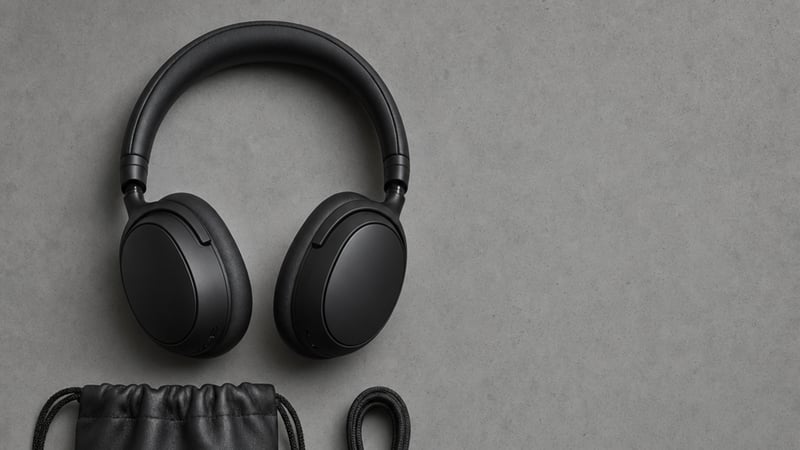
Flat Lay template for Ecommerce Product Image: generate an on-brand flat lay visual with VapuAI in minutes.

Lifestyle Scene
Lifestyle Scene template for Ecommerce Product Image: generate an on-brand lifestyle scene visual with VapuAI in minutes.

Model In Use
Model In Use template for Ecommerce Product Image: generate an on-brand model in use visual with VapuAI in minutes.