 VapuAI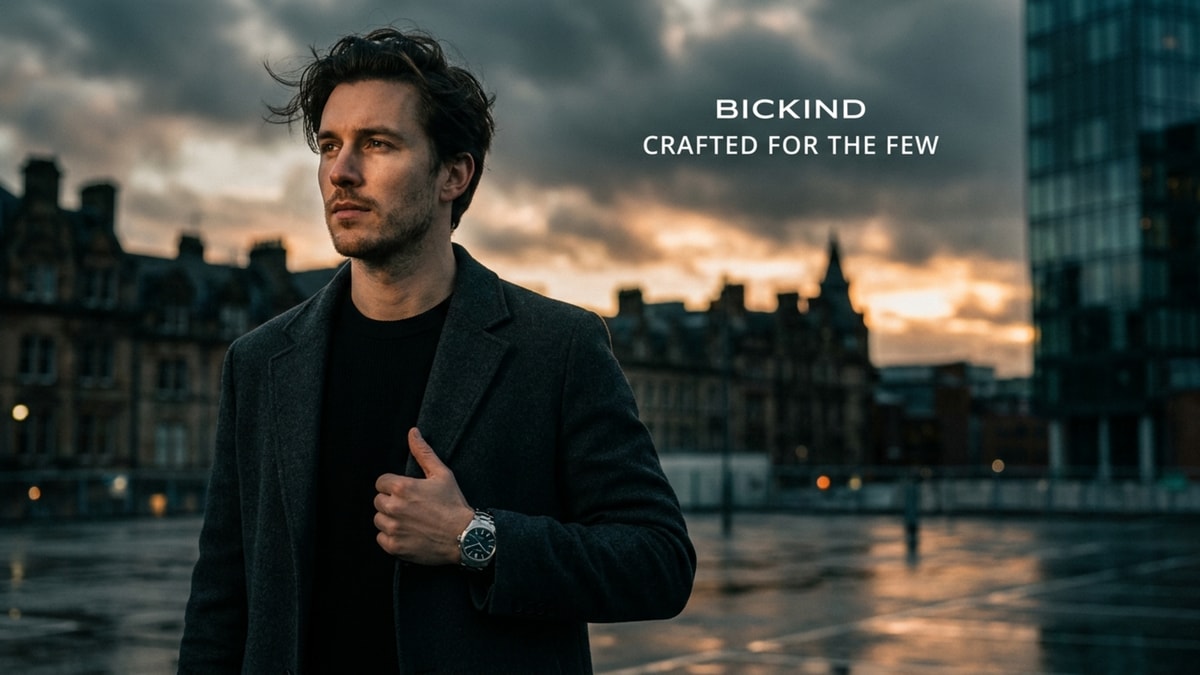
Campaign Key Visual
Campaign Key Visual template for Marketing Creative: generate an on-brand campaign key visual visual with VapuAI in minutes.
How can you generate high-end campaign key visuals with built-in copy space?
Design cinematic, production-ready master assets in seconds
The Campaign Key Visual template is a specialized AI generator designed to produce cinematic, premium lifestyle imagery featuring an off-center subject and integrated negative space for seamless logo and copy placement. With this template, you can generate high-end, editorial-grade promotional photos featuring a poised model set against a rich, atmospheric dusk cityscape. The smart composition ensures your subject occupies the left-third of the frame while leaving the right portion clean and uncluttered. This specific structure allows design teams to instantly overlay branding, taglines, and call-to-actions without needing tedious manual masking or cropping.
How to create it in VapuAI
- 1
Select the Template
Open the Campaign Key Visual template within the VapuAI platform to launch the specialized cinematic layout.
- 2
Customize Your Prompt
Describe your model, clothing, and background mood, ensuring you specify high-end elements like dynamic lighting.
- 3
Render and Refine
Generate the image and inspect the negative space on the right to ensure it is clean and ready for your typography.
- 4
Export Your Asset
Download the final high-resolution visual and import it into your creative workflow to add branding overlays.
Prompt & settings
Tips for best results
- •Describe the lighting in detail, such as mentioning warm sodium-orange sunset or cool blue-hour tones, to create a striking contrast between the subject and the cityscape.
- •Keep your subject description focused on a single, high-value focal point, like a watch, coat lapel, or sunglasses, to maintain a premium, editorial aesthetic.
- •Explicitly request simple backgrounds in your prompt if you want to maximize the cleanliness of the negative space on the right side of the frame.
Best for
- Brand managers at luxury goods companies who need sophisticated, high-end hero assets to anchor their multi-channel seasonal campaigns.
- Advertising agency art directors looking for rapid, high-fidelity mockups that show clients exactly how text and logos will integrate with premium photography.
- Social media marketers who require thumb-stopping, cinematic visuals designed to accommodate promotional text overlays for paid ad placements.
- Creative entrepreneurs who want to showcase premium physical products, like watches or apparel, in an aspirational, editorial context without booking expensive lifestyle shoots.
Frequently asked questions
Why is the subject positioned to one side in this template?
The off-center composition is intentionally designed for advertising layouts. It places your subject in the left-third of the frame, leaving the remaining space free for your logos, taglines, and marketing copy.
Can I change the model's wardrobe and the city background?
Yes, you can fully customize the subject's clothing, age, gender, and the background environment while preserving the professional cinematic lighting and layout.
Is the generated image high enough resolution for print campaigns?
Absolutely. The assets generated with this template are optimized for high-definition outputs, making them suitable for both large-format digital displays and premium print materials.
How does the template handle subtle details like watch faces or fabric textures?
The underlying layout engine uses high-fidelity rendering to capture complex textures, such as wool coats and metallic watch surfaces, ensuring a realistic luxury feel.
More Templates in AI Marketing Creative Generator
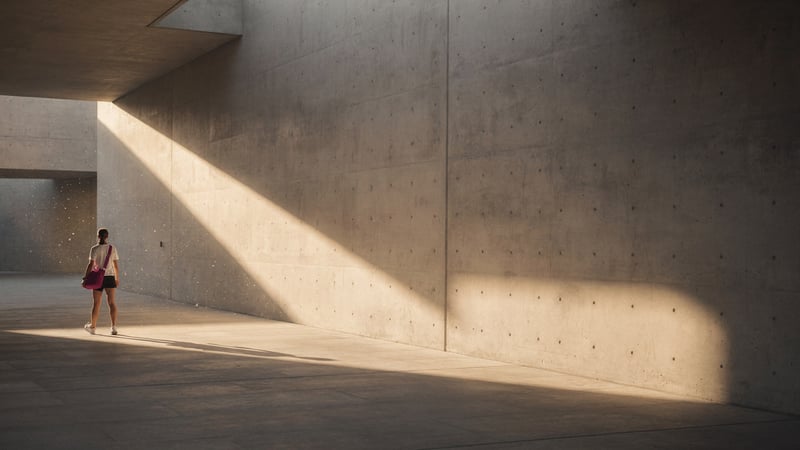
Brand Awareness
Brand Awareness template for Marketing Creative: generate an on-brand brand awareness visual with VapuAI in minutes.

Email Header
Email Header template for Marketing Creative: generate an on-brand email header visual with VapuAI in minutes.
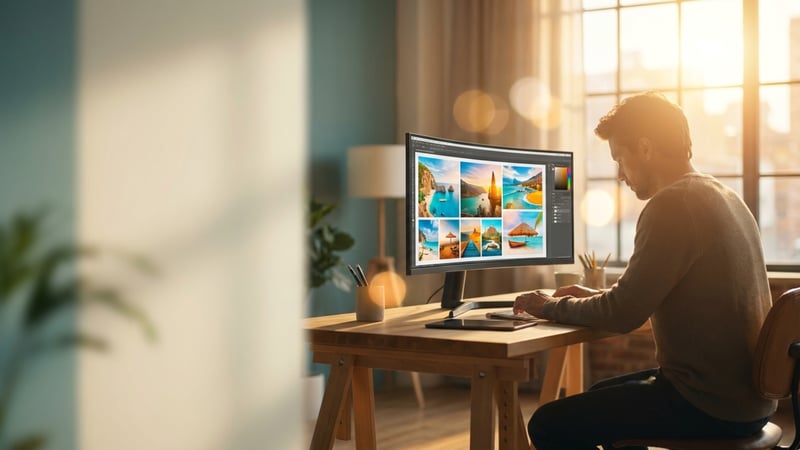
Landing Hero
Landing Hero template for Marketing Creative: generate an on-brand landing hero visual with VapuAI in minutes.