 VapuAI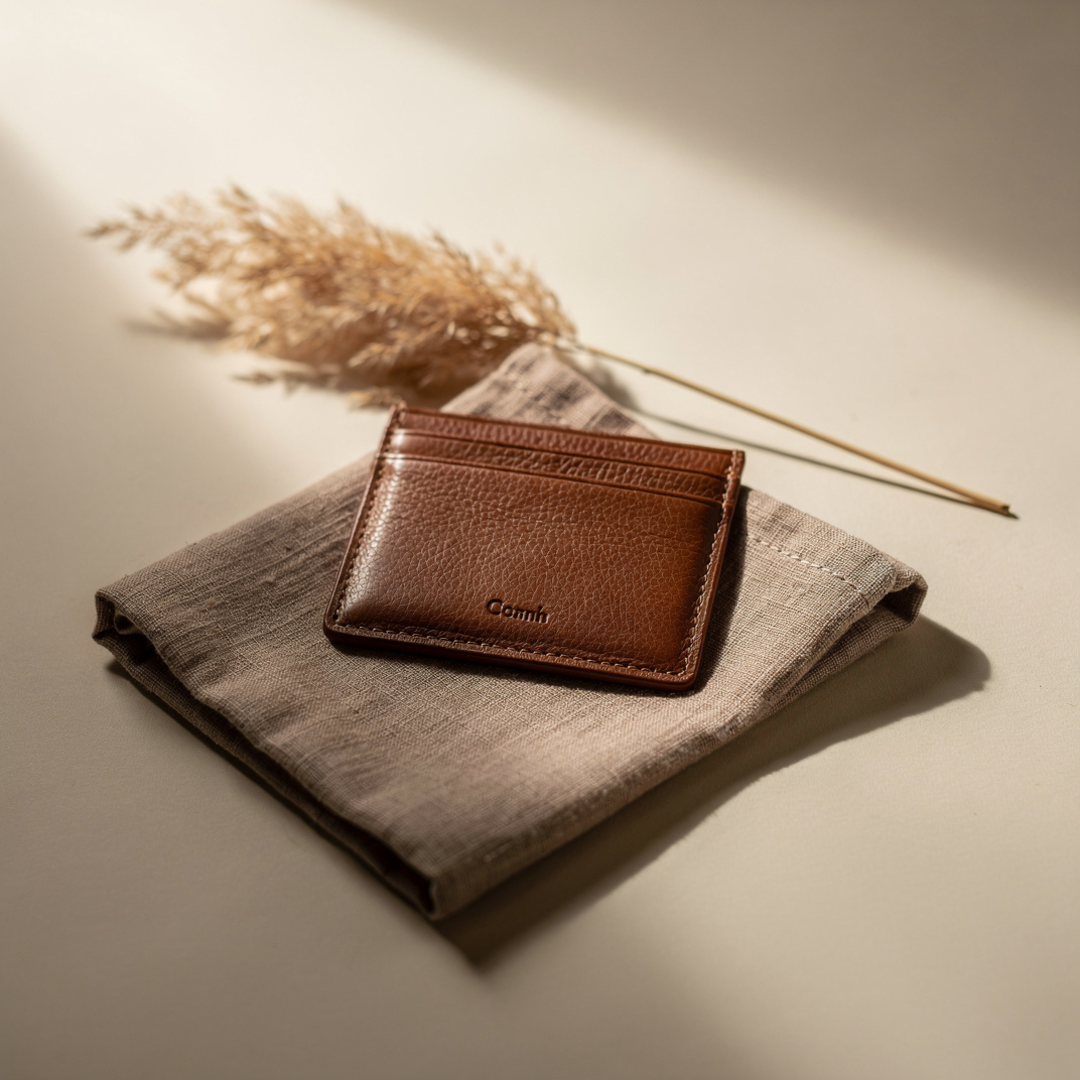
Square Feed Product Post
Square Feed Product Post template for Instagram Post: generate an on-brand square feed product post visual with VapuAI in minutes.
How do you create scroll-stopping product posts for your Instagram feed?
Elevate your social commerce with studio-grade lifestyle visuals
The Square Feed Product Post template is a specialized AI prompt framework designed to generate elegant, minimalist product showcase photos tailored perfectly for Instagram's 1:1 grid. With this template, you can produce high-end editorial product shots, such as a leather cardholder resting on textured linen alongside delicate botanical accents under warm, diffused studio lighting. It solves the costly bottleneck of physical prop sourcing and lighting setups by instantly rendering sophisticated, lifestyle-oriented backdrops with ideal negative space for copy. Whether you are launching a boutique accessory line or curating a premium brand feed, this template delivers polished, commercial-ready imagery in seconds.
How to create it in VapuAI
- 1
Choose the Template
Navigate to the VapuAI library and select the Square Feed Product Post template.
- 2
Define Your Product
Input descriptive terms for your product, such as a leather wallet, jewelry piece, or cosmetic bottle.
- 3
Select Textures and Colors
Specify the backdrop materials, like folded linen, and choose a palette that aligns with your brand.
- 4
Generate and Review
Click generate to create the 1:1 visual, ensuring there is clean negative space for future text overlays.
- 5
Download the Asset
Export the high-resolution square image, ready to be scheduled directly to your Instagram feed.
Prompt & settings
Tips for best results
- •Use specific textile descriptors like folded oatmeal linen or textured raw silk to enhance the tactile feel of the background.
- •Keep the upper-right corner simple by maintaining descriptive keywords that support clean negative space for your social media copy overlays.
- •Experiment with soft lighting modifiers in your prompts, such as diffused afternoon daylight from the side to create gentle, natural shadows.
Best for
- Boutique e-commerce merchant owners who need cohesive, editorial-grade product imagery without renting expensive studio space or hiring photographers for every minor release.
- Social media managers tasked with maintaining a visually consistent, warm-neutral aesthetic across an Instagram grid to boost engagement and organic reach.
- Digital marketing agencies looking to rapidly iterate on client visual concepts and present high-fidelity product mockups during pitch meetings.
- Independent lifestyle influencers and content creators who want to elevate their brand partnerships with professional-grade sponsored post visuals.
Frequently asked questions
What makes this template different from a standard product flat lay?
Unlike flat lays that capture items from a direct birds-eye perspective, this template uses a 50mm shallow depth of field shot at a natural angle, creating dimensional, magazine-style lifestyle scenes.
Can I change the color palette of the background setup?
Yes, you can easily swap out the warm beige and cocoa palette for cool grays, deep forest greens, or any tones that match your brand identity.
Does the generated image contain pre-written text?
No, the template generates clean, text-free imagery but leaves intentional negative space so you can easily overlay your own promotional text or brand logos.
Is the output image optimized for Instagram dimensions?
Yes, the prompt is pre-configured to output a perfect 1:1 square ratio, ensuring your post fits seamlessly into your Instagram grid without cropping.
More Templates in AI Instagram Post Generator
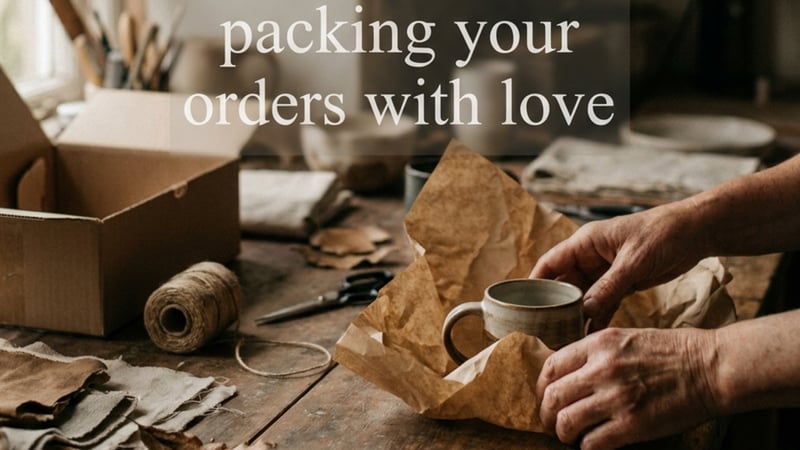
Behind The Scenes Post
Behind The Scenes Post template for Instagram Post: generate an on-brand behind the scenes post visual with VapuAI in minutes.
New Drop Teaser
New Drop Teaser template for Instagram Post: generate an on-brand new drop teaser visual with VapuAI in minutes.
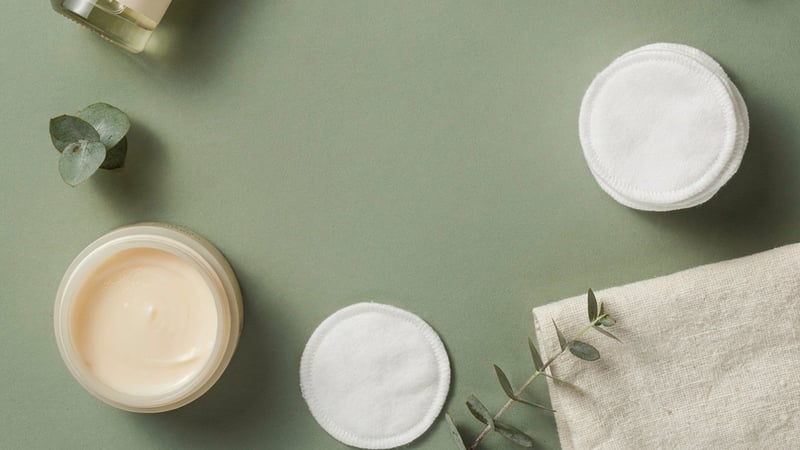
Product Flat Lay Post
Product Flat Lay Post template for Instagram Post: generate an on-brand product flat lay post visual with VapuAI in minutes.