 VapuAI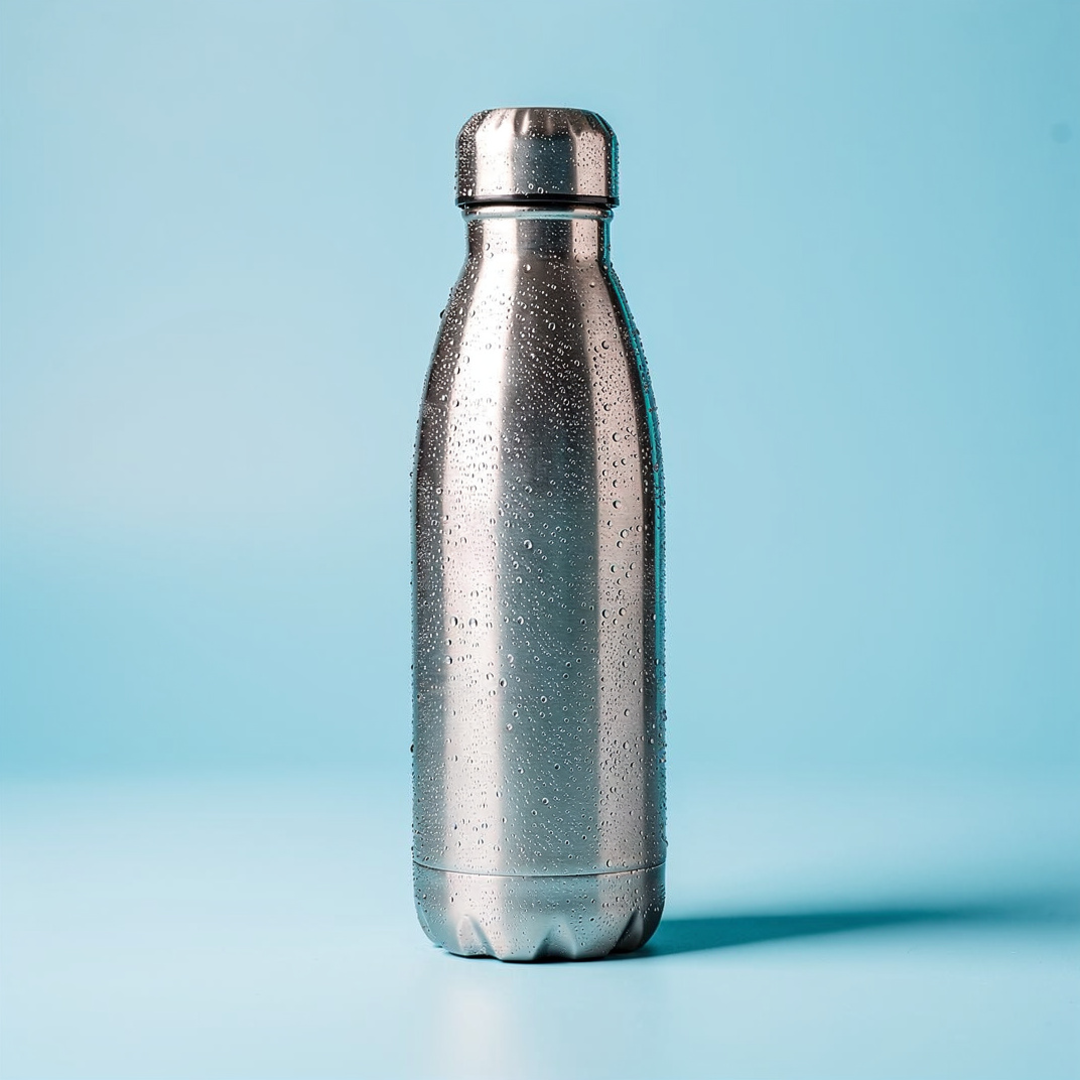
Feed Product Spotlight
Feed Product Spotlight template for Facebook Ad: generate an on-brand feed product spotlight visual with VapuAI in minutes.
How do you create a scroll stopping product spotlight for your Facebook Feed?
Generate studio grade product backdrops with optimized copy space instantly
The Feed Product Spotlight template is a specialized AI graphic generator designed to place your physical products into a high-end, commercial-grade digital studio environment featuring crisp reflections, softbox lighting, and built-in negative space for advertising overlays. This template helps you generate stunning, high-contrast product shots, such as a chilled beverage container on a cool pastel-blue backdrop, complete with realistic condensation droplets and cyan highlights. By rendering clean backgrounds with deliberate copy placement zones, you can seamlessly add your price badges or benefit statements directly onto the final visual without cluttering the main product subject.
How to create it in VapuAI
- 1
Select the Template
Navigate to the VapuAI platform and open the Feed Product Spotlight template from the dashboard.
- 2
Define Product Attributes
Input the specific features of your physical product, detailing the materials, surface finishes, and colors.
- 3
Render and Export
Generate the image, verify that the lighting and negative space align with your requirements, and export in high resolution.
Prompt & settings
Tips for best results
- •Use high-contrast color pairings, like cyan highlights on a cool blue backdrop, to make your physical product pop on mobile screens.
- •Keep the top-right quadrant of your generated image clean to accommodate your price tags or promotional stickers without overlapping the main subject.
- •Incorporate sensory details into your text prompts, such as condensation droplets or matte textures, to enhance the physical realism of the render.
Best for
- Direct to consumer e-commerce brands needing clean, high-converting catalog assets that stand out in crowded social media feeds.
- Social media managers who require rapid variations of product-focused ad creatives to test different copy hooks and price badges.
- Creative agencies producing high-volume product assets for retail clients without the massive overhead of physical studio photography.
- Performance marketers looking to reduce cost-per-acquisition by deploying polished, professional-looking product spotlights that drive instant trust.
- Independent creators launching new merchandise who need commercial-grade promotional images that look like they were shot by a professional agency.
Frequently asked questions
Can I adjust the background color of the Feed Product Spotlight template?
Yes, you can easily customize the color palette within VapuAI to match your specific brand guidelines while preserving the professional softbox lighting setup.
Where should I place my text overlays on this generated ad?
This template is specifically composed to leave airy, negative space at the top and right sections, making it ideal for text overlays like price badges or short benefit statements.
Is this template suitable for non-bottle products?
Absolutely, while the default recipe showcases an insulated bottle, you can adapt the prompt for cosmetics, packaged goods, electronics, or any sleek retail item.
Do I need complex design skills to use this template?
Not at all, VapuAI simplifies the creative production process by using structured templates that handle the complex lighting and layout rules automatically.
More Templates in AI Facebook Ad Generator
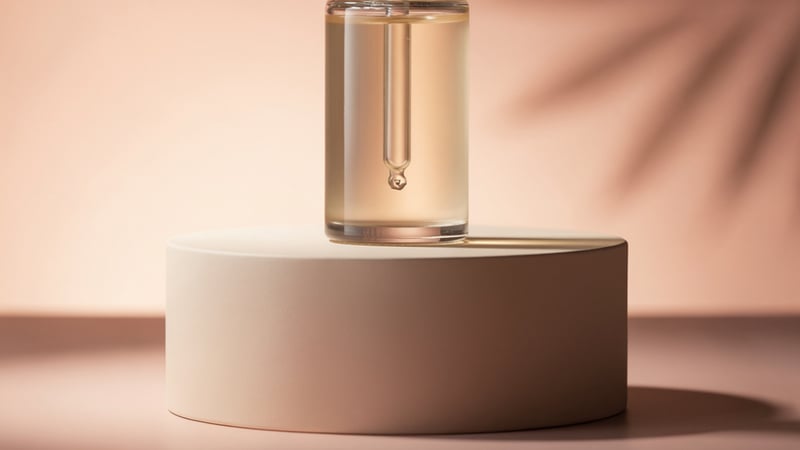
Carousel Product Frame
Carousel Product Frame template for Facebook Ad: generate an on-brand carousel product frame visual with VapuAI in minutes.

Limited Time Offer
Limited Time Offer template for Facebook Ad: generate an on-brand limited time offer visual with VapuAI in minutes.

Reel Cover Hook
Reel Cover Hook template for Facebook Ad: generate an on-brand reel cover hook visual with VapuAI in minutes.