 VapuAI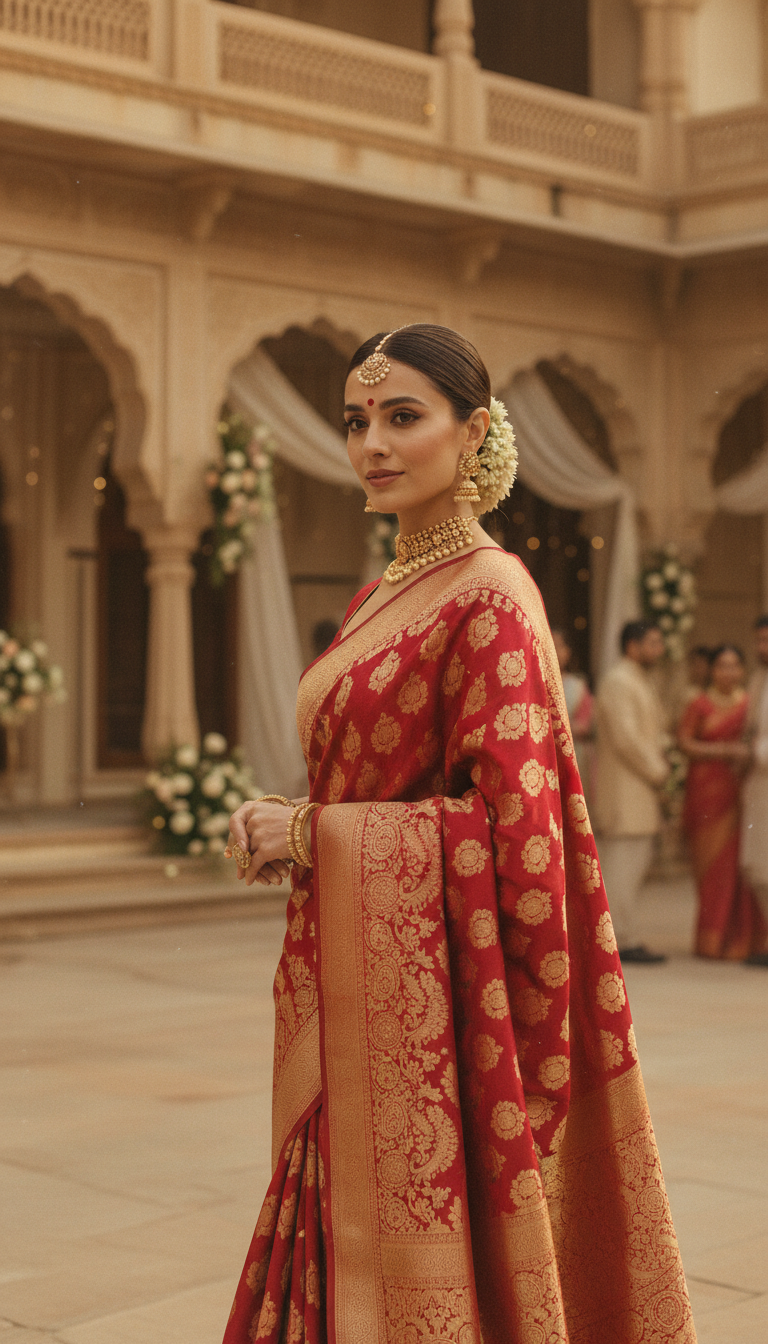
Red Banarasi Silk Saree Palace Wedding Prompt
Generate stunning photorealistic images of a person in an elegant red Banarasi silk saree, adorned with traditional jewelry, in a grand Indian palace wedding setting. Perfect for cultural fashion content.
How to Generate Photorealistic Red Banarasi Saree Wedding Portraits in Seconds
Perfect for Bridal Campaigns, Ethnic Wear Lookbooks, and Heritage Wedding Content
The Red Banarasi Silk Saree Palace Wedding Prompt is an AI photo generation template that lets you create highly realistic, editorial-quality portraits of a subject wearing a rich red Banarasi silk saree in a grand palace courtyard setting. Whether you are producing ethnic fashion lookbooks, luxury bridal campaigns, or cultural mood boards, this tool instantly renders complex gold zari weaves, intricate traditional jewelry, and authentic architectural elements bathed in soft, golden festive lighting. Skip the expensive destination shoots and produce stunning, high-resolution 9:16 portraits tailored precisely to your brand's vision.
How to create it in VapuAI
- 1
Upload Subject Photo
Upload a clear, high-quality reference photo of your subject's face to ensure accurate facial features and identity transfer into the AI portrait.
- 2
Select the Template
Select the "Red Banarasi Silk Saree Palace Wedding Prompt" from the Indian Sarees category within the VapuAI workspace.
- 3
Customize the Look
Customize the prompt parameters by detailing specific jewelry preferences, makeup styles, or subtle variations in the Banarasi brocade pattern you want the AI to emphasize.
- 4
Generate the Scene
Generate the image and let VapuAI render the complex gold zari work, the soft golden hour lighting, and the ornate stone arches of the palace courtyard.
- 5
Download and Share
Download the final high-resolution 9:16 portrait to use in your social media campaigns, bridal lookbooks, or cultural fashion advertisements.
Prompt & settings
Creative goal
To generate a high-resolution, photorealistic image of a person elegantly draped in a red Banarasi silk saree, standing in a grand palace courtyard during a wedding, adorned with traditional jewelry under soft golden light.
Style anchors
Tips for best results
- •For the most authentic look, use reference photos where the subject has soft, natural lighting, which blends perfectly with the golden hour lighting of the palace courtyard scene.
- •Mention specific traditional jewelry in your custom prompt text, such as Kundan chokers, maang tikkas, or jhumkas, to complement the heavy gold zari work of the red Banarasi silk.
- •Keep your custom identity notes focused on facial expressions; a soft, elegant smile or a regal, poised gaze works best for the opulent wedding guest aesthetic.
- •To create a slightly different vibe, tweak the prompt to specify nighttime festive lighting with glowing diyas instead of daytime golden light, while keeping the red Banarasi focal point intact.
Best for
- Bridal fashion brands and boutique designers who need high-quality campaign imagery to showcase traditional red Banarasi silk sarees without booking a royal venue.
- Social media influencers and content creators focusing on ethnic wear and wedding guest inspiration looking to elevate their feeds with opulent, culturally rich aesthetics.
- Marketing agencies developing visual assets for Indian wedding expos, event planners, or heritage jewelry brands that require photorealistic vertical portraits.
- Wedding photographers and stylists building premium mood boards to present destination palace wedding concepts to prospective luxury clients.
Frequently asked questions
Can I change the color of the Banarasi saree in this template?
While this specific template is optimized for a traditional red Banarasi silk saree to match classic bridal and wedding guest aesthetics, you can easily adjust the prompt text to request different shades like maroon, crimson, or vermilion.
What aspect ratio does this Indian wedding template produce?
The template is pre-configured to generate high-resolution 9:16 vertical portraits, which are perfect for Instagram Reels, Pinterest, and mobile-first fashion lookbooks.
Does the AI accurately recreate the Banarasi zari weave?
Yes, VapuAI's generation engine pays special attention to the intricate textures of brocade and gold zari work, ensuring the silk saree looks authentically luxurious and photorealistic.
Do I need a professional photo of the subject for the AI to work?
Not necessarily. A clear, well-lit selfie or standard headshot is entirely sufficient for the AI to extract facial features and seamlessly integrate them into the royal palace wedding scene.
More Templates in Indian Sarees

Royal Blue Banarasi Silk Saree on Haveli Swing
Discover the timeless beauty of a royal blue Banarasi silk saree with heavy zari brocade, captured in a serene haveli setting. Perfect for cultural fashion inspiration.

Banarasi Silk Saree Mandap Ceremony
Generate exquisite AI images of an adult person in a luxurious Banarasi Silk saree with heavy zari brocade, captured in a warm, sacred Indian mandap setting. Perfect for cultural fashion and traditional themes.
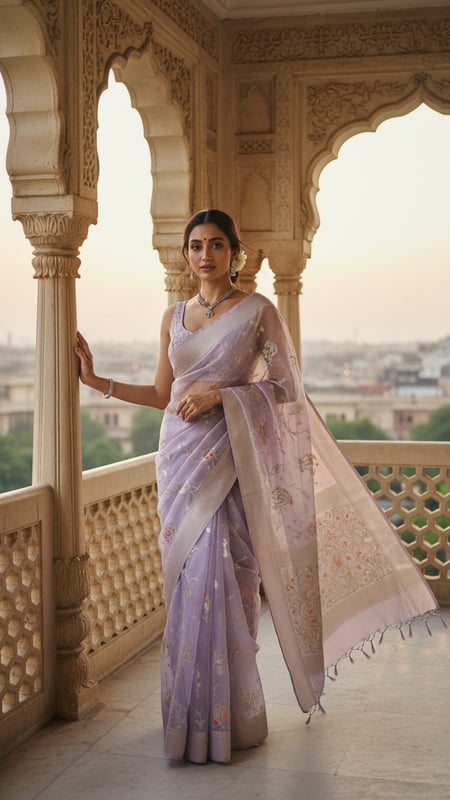
Banarasi Organza Saree on Mughal Balcony
Create stunning images of traditional Banarasi Organza sarees with zari motifs on a regal Mughal balcony. Perfect for Indian fashion and cultural photography.