 VapuAI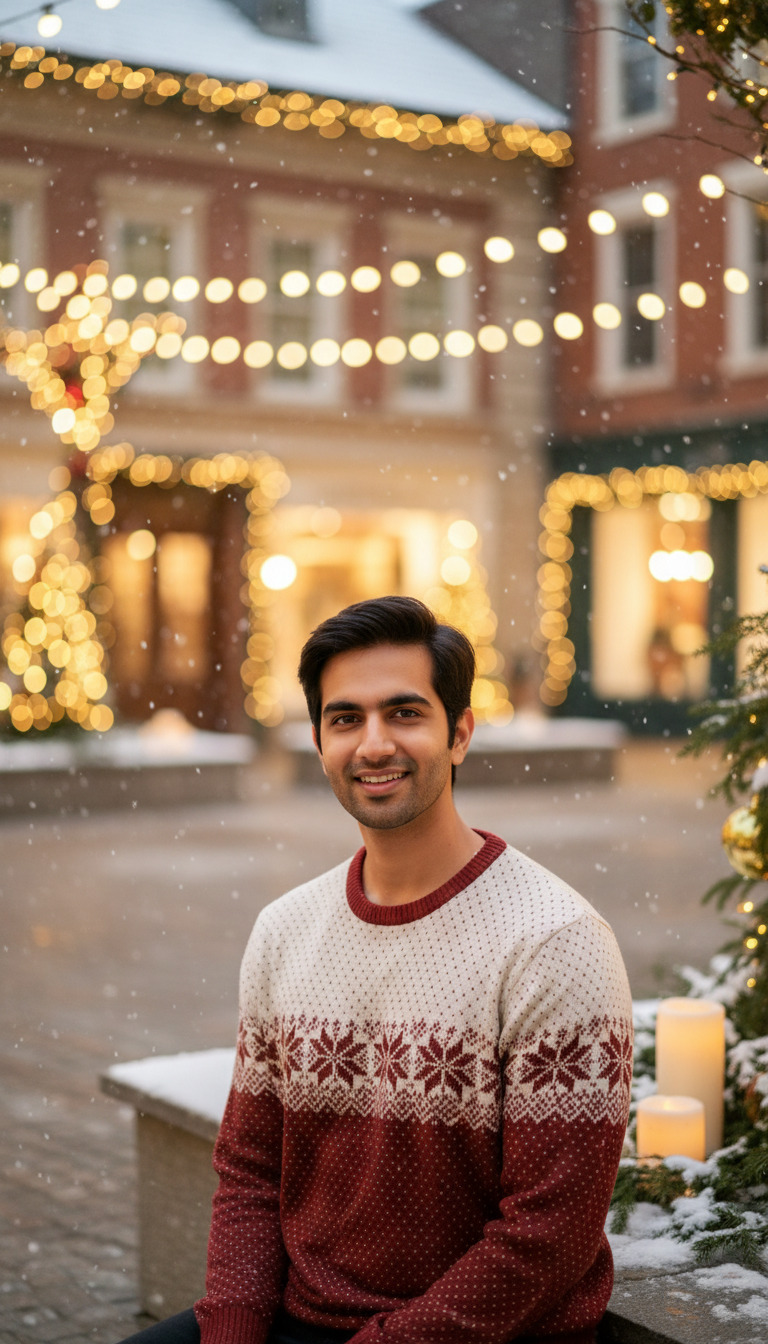
Morning Walk at Christmas
A photorealistic morning walk at christmas with one person facing the camera.
Capture the Magic of a Festive Morning Stroll in Seconds
Why Choose This AI Scene for Your Winter Campaigns?
The Morning Walk at Christmas template is an AI-powered photo generator that allows you to create a photorealistic, 9:16 portrait of a subject taking a festive morning stroll while facing the camera. Perfect for holiday campaigns, this tool takes a single reference photo and seamlessly integrates the subject's facial features into a crisp, cheerful environment complete with cinematic lighting, snow, and festive background decor. Whether you are building an influencer's seasonal feed or launching an agency-led holiday promo, this workspace delivers stunning, campaign-ready winter visuals without the need for a freezing outdoor photoshoot.
How to create it in VapuAI
- 1
Upload your reference photo
Provide a clear, front-facing image of your subject to ensure accurate facial feature mapping for the holiday portrait.
- 2
Customize the winter attire
Enter details about the subject's clothing, such as a cozy scarf or winter coat, in the custom prompt field.
- 3
Generate the morning walk scene
Click generate to let the platform apply cinematic lighting, background snow, and a cheerful mood to your 9:16 portrait.
- 4
Download the campaign-ready image
Save your high-resolution festive stroll photo and deploy it across your winter marketing channels.
Prompt & settings
Creative goal
A morning walk at christmas scene with one person facing camera in Christmas lighting.
Style anchors
Tips for best results
- •Use a well-lit, neutral-expression reference photo so the AI can map a warm, natural smile perfectly suited for a cheerful morning scene.
- •Mention specific winter textures like 'chunky wool beanie' or 'plaid overcoat' in your custom prompt to enhance the realism of the outdoor stroll.
- •Keep the custom prompt focused on the subject's attire rather than the background, as the template automatically optimizes the festive environment and snowy lighting.
- •Leverage the vertical 9:16 aspect ratio by using these generated visuals directly for Instagram Reels covers or TikTok story backgrounds.
Best for
- Social media influencers looking to maintain a consistent, high-quality holiday aesthetic on Instagram or TikTok without hiring an outdoor photographer.
- E-commerce marketers needing warm, inviting lifestyle imagery to promote winter apparel, scarves, and accessories in a natural snowy setting.
- Creative agencies producing localized Christmas campaigns that require diverse talent enjoying a cheerful, frosty morning walk.
- Lifestyle bloggers wanting custom, photorealistic festive portraits to feature as hero images in their winter travel or holiday morning routine articles.
Frequently asked questions
Can I change the background of the Morning Walk at Christmas template?
The core environment remains a festive morning walk with snow and holiday decor, ensuring consistent lighting and mood. However, you can use the prompt customization to hint at specific outdoor elements like a pine forest or a decorated city street.
What kind of reference photo works best for this AI Christmas portrait?
A clear, front-facing, well-lit portrait with a natural expression yields the best results. Since the template renders the subject looking directly at the camera, matching that eye-line in your upload helps maintain photorealism.
Is the final image resolution suitable for printed holiday marketing materials?
Yes, VapuAI generates high-resolution files that look crisp on digital screens and are suitable for most standard print campaigns. The default 9:16 aspect ratio is highly optimized for vertical mobile formats but can easily be cropped for other uses.
Do I need to write a long prompt to get the snow and lighting right?
Not at all. The template is pre-configured with cinematic lighting, warm mood grading, and festive holiday ambience, so you only need to describe the subject's specific details and wardrobe.
More Templates in Christmas Photography
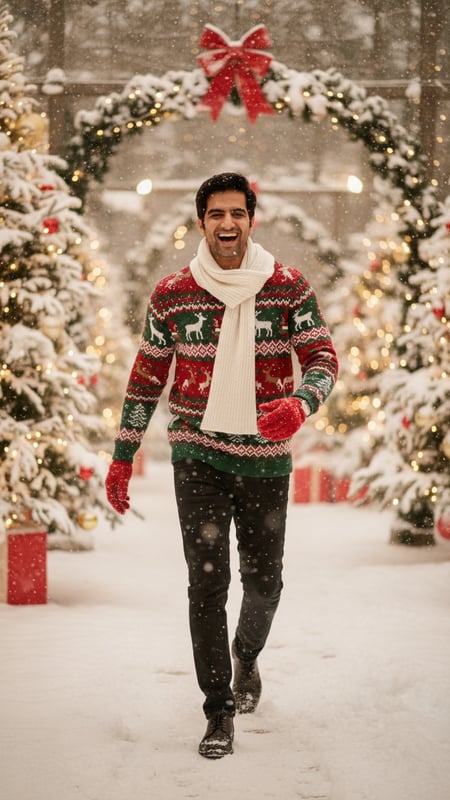
Christmas Snow Walk Laughing
Christmas Snow Walk Laughing — A Christmas portrait with unique pose and expression.
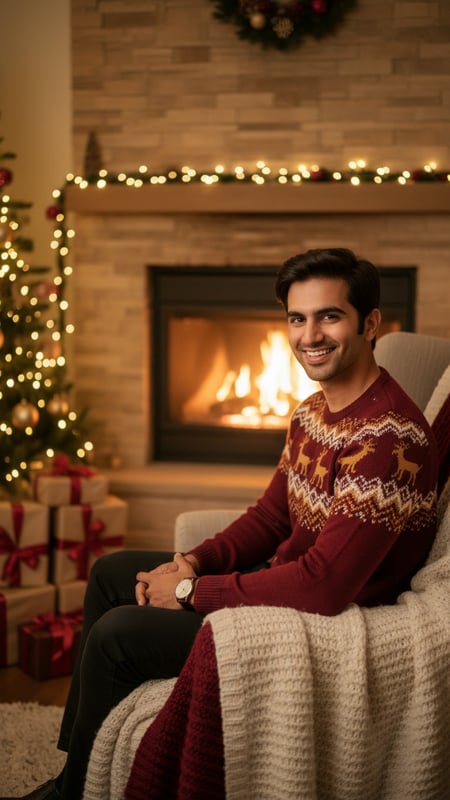
Cozy Fireplace Christmas Portrait
A cozy Christmas portrait featuring one person by a warm fireplace.
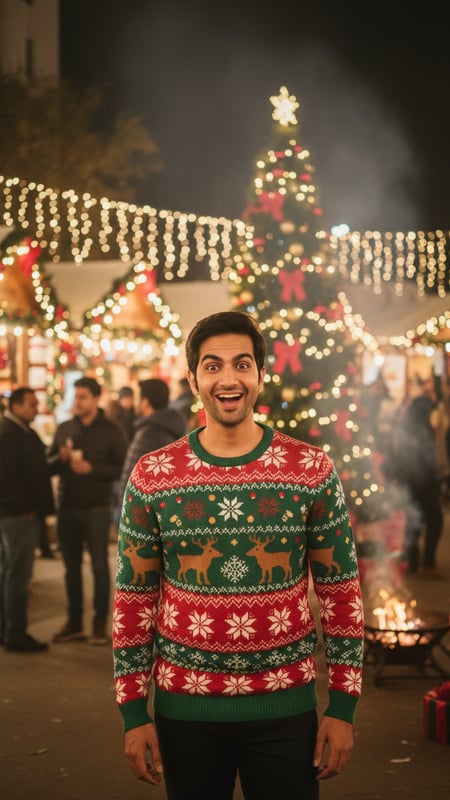
Christmas Market Surprise
Christmas Market Surprise — A Christmas portrait with unique pose and expression.