 VapuAI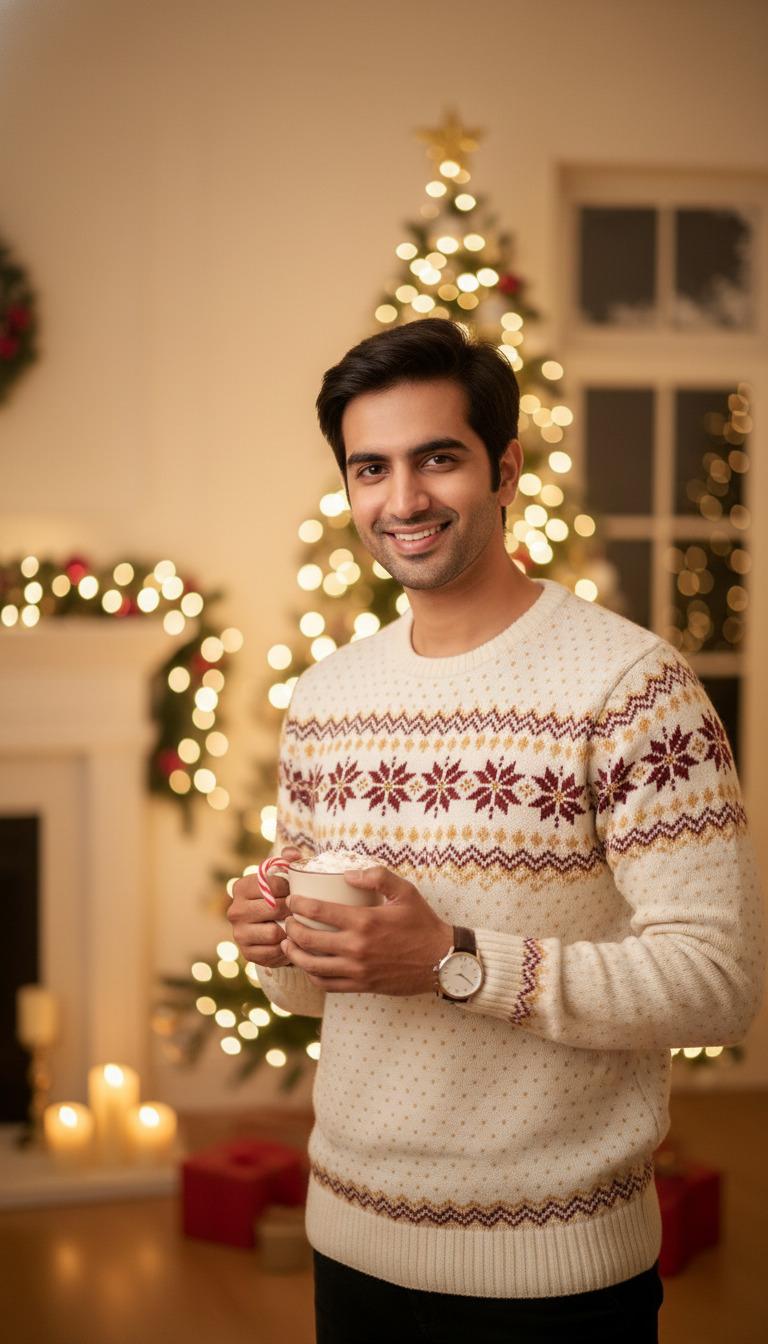
Christmas Cocoa Moment
A photorealistic christmas cocoa moment with one person facing the camera.
How to Create Warm, Cozy Christmas Cocoa Portraits for Your Holiday Campaigns
Perfect the Photorealistic Winter Ambience in Seconds
The Christmas Cocoa Moment template is an AI-powered portrait generator that allows you to instantly create photorealistic images of a subject enjoying a warm mug of hot chocolate against a festive holiday background. Designed for seasonal campaigns and social media feeds, this template captures a cheerful, front-facing subject wrapped in cozy winter aesthetics and cinematic Christmas lighting. Whether you need assets for a winter lifestyle brand, a seasonal cafe promotion, or engaging influencer content, this tool perfectly renders the nostalgic feeling of sipping cocoa by glowing holiday decor.
How to create it in VapuAI
- 1
Upload Reference Image
Upload a high-quality, front-facing portrait to serve as the identity reference for your holiday subject.
- 2
Select the Cocoa Template
Choose the Christmas Cocoa Moment template to load the cinematic lighting and cozy winter aesthetic presets.
- 3
Customize the Details
Add specific keywords to the prompt to define the mug style, winter clothing, and background holiday decor.
- 4
Generate the Portrait
Click generate to create a high-resolution, 9:16 photorealistic image of your subject enjoying hot cocoa.
Prompt & settings
Creative goal
A christmas cocoa moment scene with one person facing camera in Christmas lighting.
Style anchors
Tips for best results
- •Provide a reference image with neutral or warm lighting to help the AI seamlessly blend the subject's face into the cinematic holiday ambience.
- •Use the custom prompt to describe specific winter clothing, such as a chunky knit sweater or a plaid scarf, to enhance the cozy narrative.
- •Experiment with background descriptions by mentioning frosted windows, glowing fireplaces, or out-of-focus Christmas tree lights to add depth to the portrait.
- •Ensure your reference photo has the subject looking directly at the camera to match the template's engaging, front-facing design.
Best for
- Social media influencers can use this template to maintain a consistent, cozy holiday aesthetic on their vertical feeds without needing to set up complex photo shoots with hot drinks and props.
- Coffee shop owners and beverage brands can generate inviting marketing materials that showcase the comforting, relatable experience of enjoying a warm winter drink.
- Marketing agencies can quickly produce campaign-ready lifestyle visuals for clients wanting to evoke feelings of warmth, nostalgia, and authentic holiday cheer.
- Lifestyle bloggers can create customized blog headers and Pinterest pins that perfectly capture a quintessential winter moment to drive seasonal traffic.
Frequently asked questions
Can I customize the type of mug or the background decorations?
Yes, you can modify the text prompt to specify details like a red ceramic mug, a glass of hot chocolate with marshmallows, or specific background elements like candles and snow.
What kind of reference photo works best for this Christmas template?
A well-lit, front-facing portrait with a natural, warm expression yields the best results. Avoid heavy shadows or obstructions on the face so the AI can accurately map the facial features.
Is the output image suitable for social media Stories and Reels?
Absolutely. The Christmas Cocoa Moment template is natively optimized for a high-resolution 9:16 aspect ratio, making it perfectly sized for mobile-first platforms like Instagram Stories, Reels, and TikTok.
Can I change the lighting style of the final portrait?
The template is pre-configured with cinematic lighting and a warm, cheerful holiday mood. However, you can add descriptive keywords in your custom prompt to emphasize a brighter or more softly lit environment.
More Templates in Christmas Photography
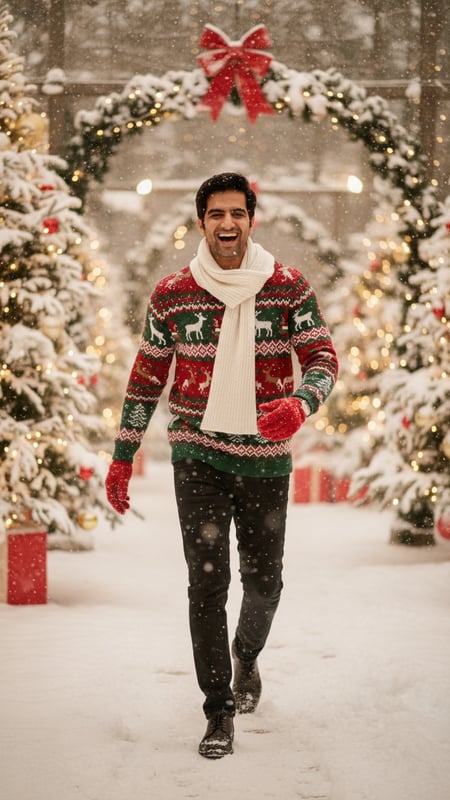
Christmas Snow Walk Laughing
Christmas Snow Walk Laughing — A Christmas portrait with unique pose and expression.

Cozy Fireplace Christmas Portrait
A cozy Christmas portrait featuring one person by a warm fireplace.

Christmas Market Surprise
Christmas Market Surprise — A Christmas portrait with unique pose and expression.