 VapuAI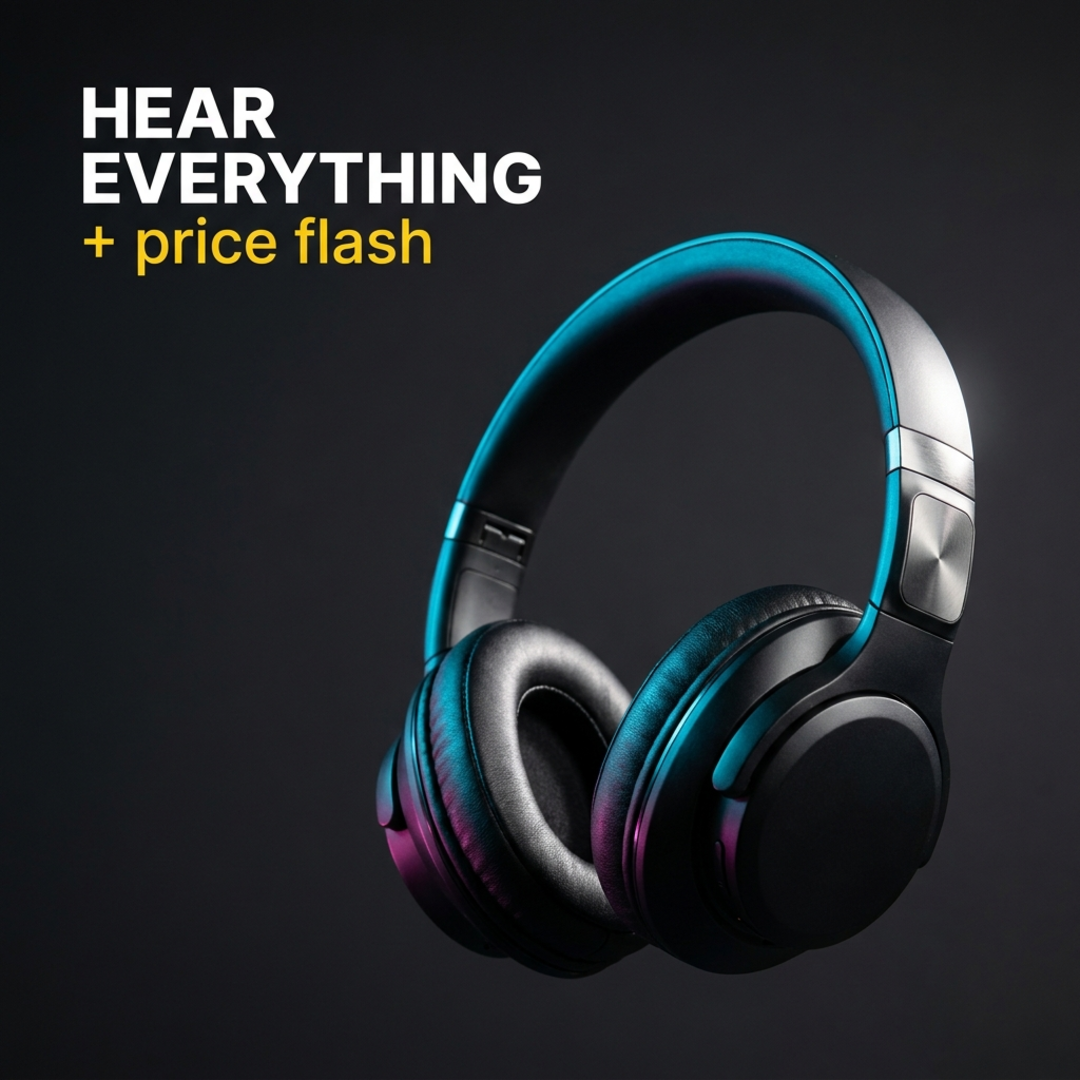
Bold Product Hero
Bold Product Hero template for Ad Creative: generate an on-brand bold product hero visual with VapuAI in minutes.
How do you generate high-impact, commercial-grade product visuals that drive conversions?
Mastering high-contrast studio aesthetics with generous copy space
The Bold Product Hero template is an AI-powered visual generator designed to produce striking, high-contrast product shots of hardware, tech accessories, or premium packaged goods floating against a deep charcoal infinity backdrop with dramatic dual-tone neon edge lighting. This template solves the classic digital marketing dilemma of needing clean, professional imagery that immediately captures user attention on social feeds while leaving ample, uncluttered negative space for overlay copy or promotional headlines. By utilizing precise 100mm macro-lens simulation, it renders ultra-sharp textures, brushed-metal details, and glossy highlights that make your physical goods look incredibly premium, expensive, and ready for any high-performance ad campaign.
How to create it in VapuAI
- 1
Select the Template
Open the VapuAI platform and select the Bold Product Hero template under the AI Ad Creative category.
- 2
Describe Your Product
Input details about your product's materials, such as matte-black plastic or brushed metal, into the placeholder.
- 3
Configure Lighting and Position
Set the dual-tone neon lighting accents and position the product in the lower-right third of the frame.
- 4
Generate and Refine
Click generate to render the high-contrast macro image with ample negative space for your marketing headlines.
Prompt & settings
Tips for best results
- •Specify matte or metallic textures in your prompt to allow the dual-tone cyan and magenta light sources to create beautiful specular highlights on the edges.
- •Keep your product description focused on a single key item to maintain a clean, floating composition that does not clutter the generous negative space.
- •Use high-contrast color combinations for your product, like matte-black or deep chrome, to maximize the visual punch against the charcoal studio backdrop.
- •If you plan to add text overlays, choose the lower-right placement for your product to leave the upper-left quadrant perfectly clear for headlines.
Best for
- E-commerce brand managers who need high-converting, premium-looking hero shots of consumer electronics or accessories without paying for expensive physical studio setups.
- Performance marketing agencies looking to rapidly generate multiple high-contrast ad variants with generous negative space for text overlays and call-to-action buttons.
- Social media content creators wanting to elevate their product review channels with sleek, modern, tech-oriented visuals that stand out in busy feeds.
- Product designers seeking to visualize conceptual prototypes in a realistic, commercial-grade studio environment with dramatic cyan and magenta lighting accents.
- Direct-to-consumer startups requiring rapid, cost-effective visual assets for launch campaigns, digital storefront banners, and promotional newsletter headers.
Frequently asked questions
Can I change the colors of the neon edge glow?
Yes, you can easily customize the color accents by replacing the default cyan and magenta hex codes in your workspace prompt with your own brand-specific colors.
Does this template automatically generate the overlay text?
The template is designed to output clean, high-contrast images with generous negative space, allowing you to easily add your own custom marketing text and pricing overlays in your preferred editing tool.
What types of products work best with the Bold Product Hero template?
This template is highly optimized for consumer tech, sleek hardware, cosmetic bottles, premium accessories, and any physical product that benefits from a modern, high-contrast, floating studio aesthetic.
How do I ensure my product looks sharp and detailed?
The underlying prompt structure uses a simulated 100mm macro lens and f/8 aperture, ensuring crisp product sharpness and high-fidelity textures automatically.
More Templates in AI Ad Creative Generator
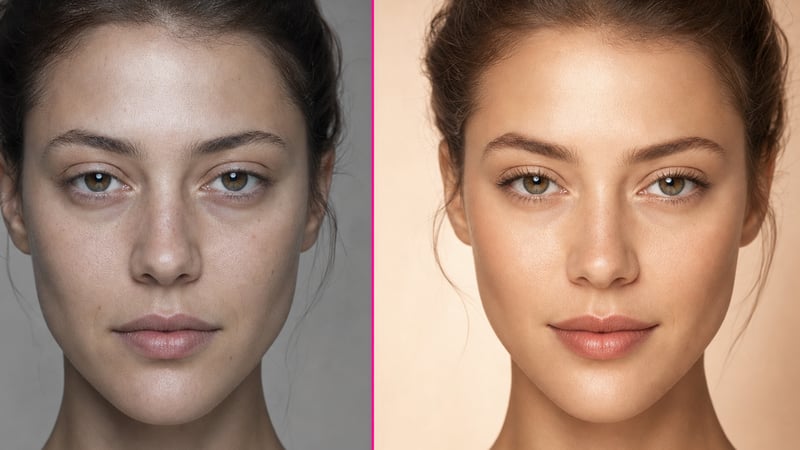
Before After Split
Before After Split template for Ad Creative: generate an on-brand before after split visual with VapuAI in minutes.
Discount Offer
Discount Offer template for Ad Creative: generate an on-brand discount offer visual with VapuAI in minutes.

Lifestyle Scene
Lifestyle Scene template for Ad Creative: generate an on-brand lifestyle scene visual with VapuAI in minutes.