 VapuAI
AI Ad Creative Generator
Stop waiting on shoots and stock. Generate on-brand ad creatives across 20+ models and ship campaign-ready visuals in minutes.
What is an AI ad creative generator?
An AI ad creative generator turns a brief or reference image into finished advertising visuals — hero shots, before/after splits, offer graphics and lifestyle scenes — without a photo shoot or stock licence. VapuAI runs your concept across 20+ image models so you can compare distinct looks, generate channel-agnostic variants for A/B testing, and then resize and adapt the winner for Facebook, Instagram, LinkedIn, Google Display and banner placements. Every output carries commercial usage rights, and failed generations are auto-refunded, so you only pay for creatives you can actually ship.
Common ad creative sizes to export
Ad creative is channel-agnostic — generate once, then adapt to each placement. These are the most-used export ratios across the major networks.
| Format | Dimensions | Typical placement |
|---|---|---|
| Square (1:1) | 1080 × 1080 px | Feed ads across Facebook, Instagram and LinkedIn |
| Vertical (4:5) | 1080 × 1350 px | Feed — maximum mobile screen coverage |
| Story / Reel (9:16) | 1080 × 1920 px | Full-screen Stories and Reels |
| Landscape (1.91:1) | 1200 × 628 px | Link ads and Google Display landscape |
| Medium rectangle | 300 × 250 px | Display banner across the open web |
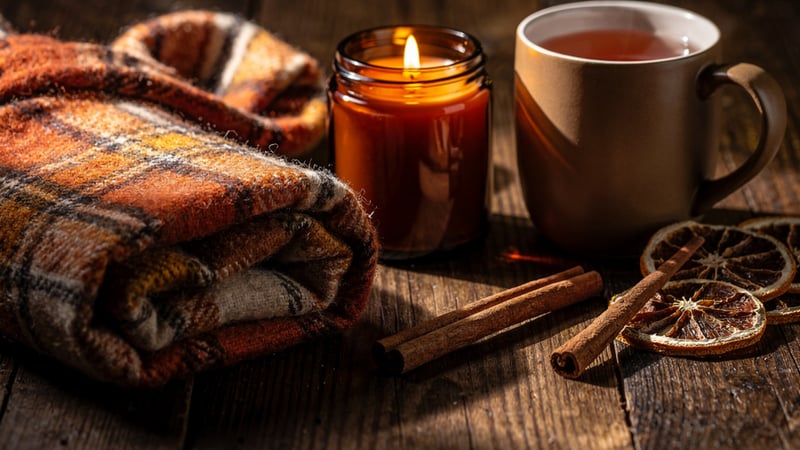
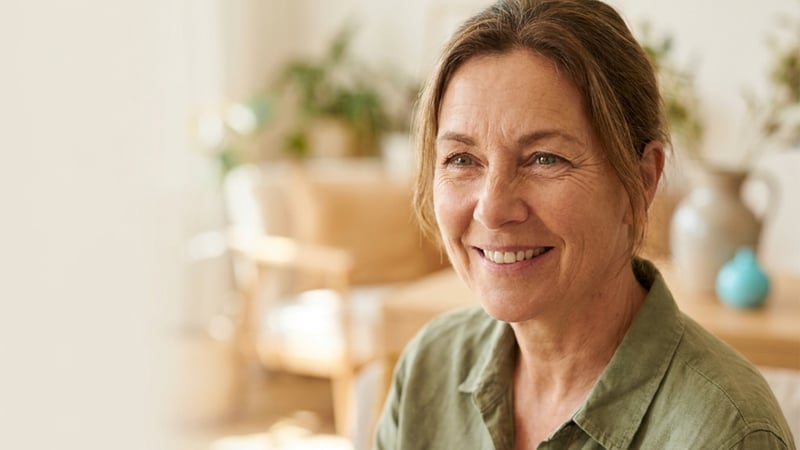
Sample ad creatives for this use case
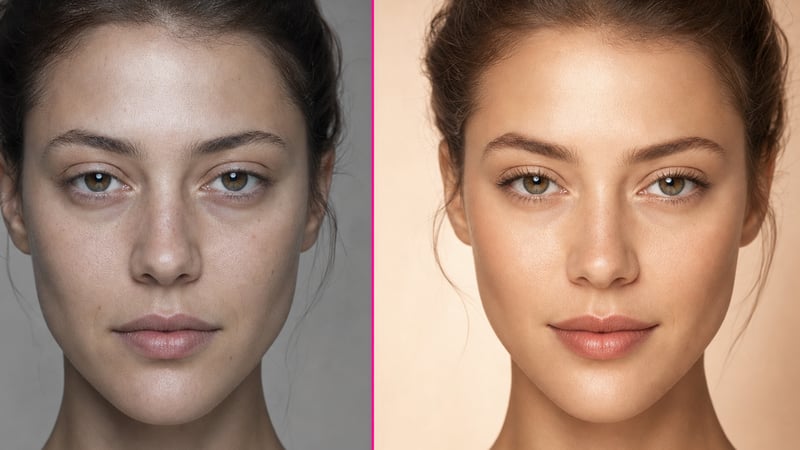
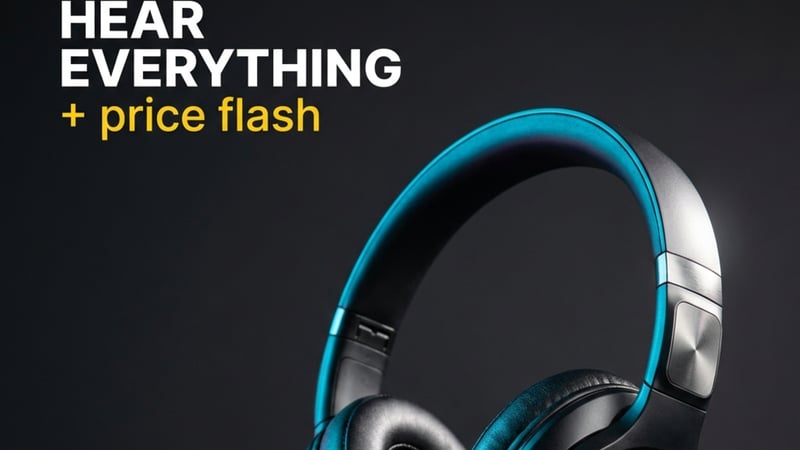
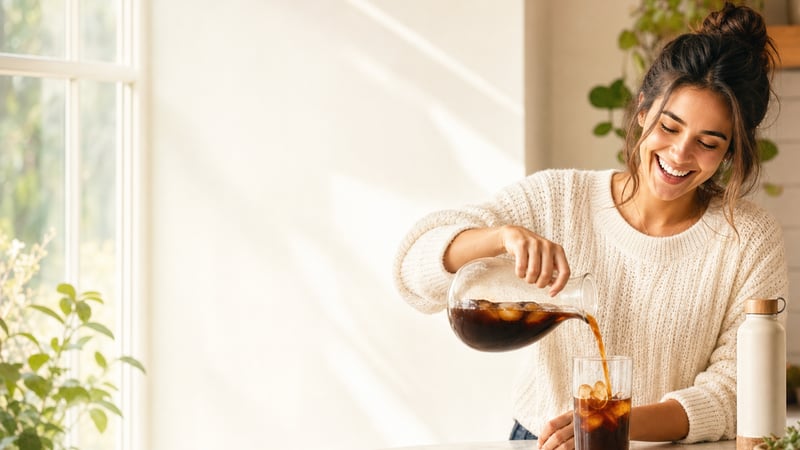
Three steps to a finished ad creative
Brief the concept
Start from an Ideas template or describe the offer, product and mood — VapuAI turns the brief into a creative direction, no blank canvas.
Generate A/B variants
Produce multiple distinct executions across 20+ models — different compositions, palettes and hooks — so you have real variants to test, not one guess.
Adapt per channel
Resize the winning concept to each placement (1:1, 4:5, 9:16, 1.91:1), then export with commercial rights included.
Why marketers use it
Test-ready
Generate several distinct concepts at once so every campaign starts with real A/B variants.
Cross-channel
One concept adapts to Facebook, Instagram, LinkedIn, Display and banner sizes.
Cleared
Commercial usage rights on every plan — cleared for client and campaign use.
Fair
Failed generations are auto-refunded — you only pay for creatives you can ship.
Questions, answered
What kinds of ad creatives can I generate?
Product hero shots, before/after splits, discount and offer graphics, lifestyle scenes and testimonial layouts — the concept types that work across paid social and display. You can then adapt any of them to a specific channel's dimensions.
Can I generate variants for A/B testing?
Yes. Running one brief across 20+ models produces genuinely different executions — different compositions, palettes and hooks — so you can ship several variants and let the platform's testing pick the winner.
How do I keep creatives on-brand?
Start from a reference image or an Ideas template and describe your brand's colours, tone and product, then refine with in-place editing (inpaint, background swap) until the output matches your guidelines.
Can I use the creatives in paid campaigns?
Yes — commercial usage rights are included on every plan, so generated ad creatives are cleared for paid social, display and client campaigns out of the box.
Generate for a specific channel
Bring your ad ideas to life
Generate campaign-ready creatives across 20+ models in one workspace.
Open Image Studio →